

Alienware AW3426DW: What the New 3440 × 1440, 280 Hz QD-OLED Delivers
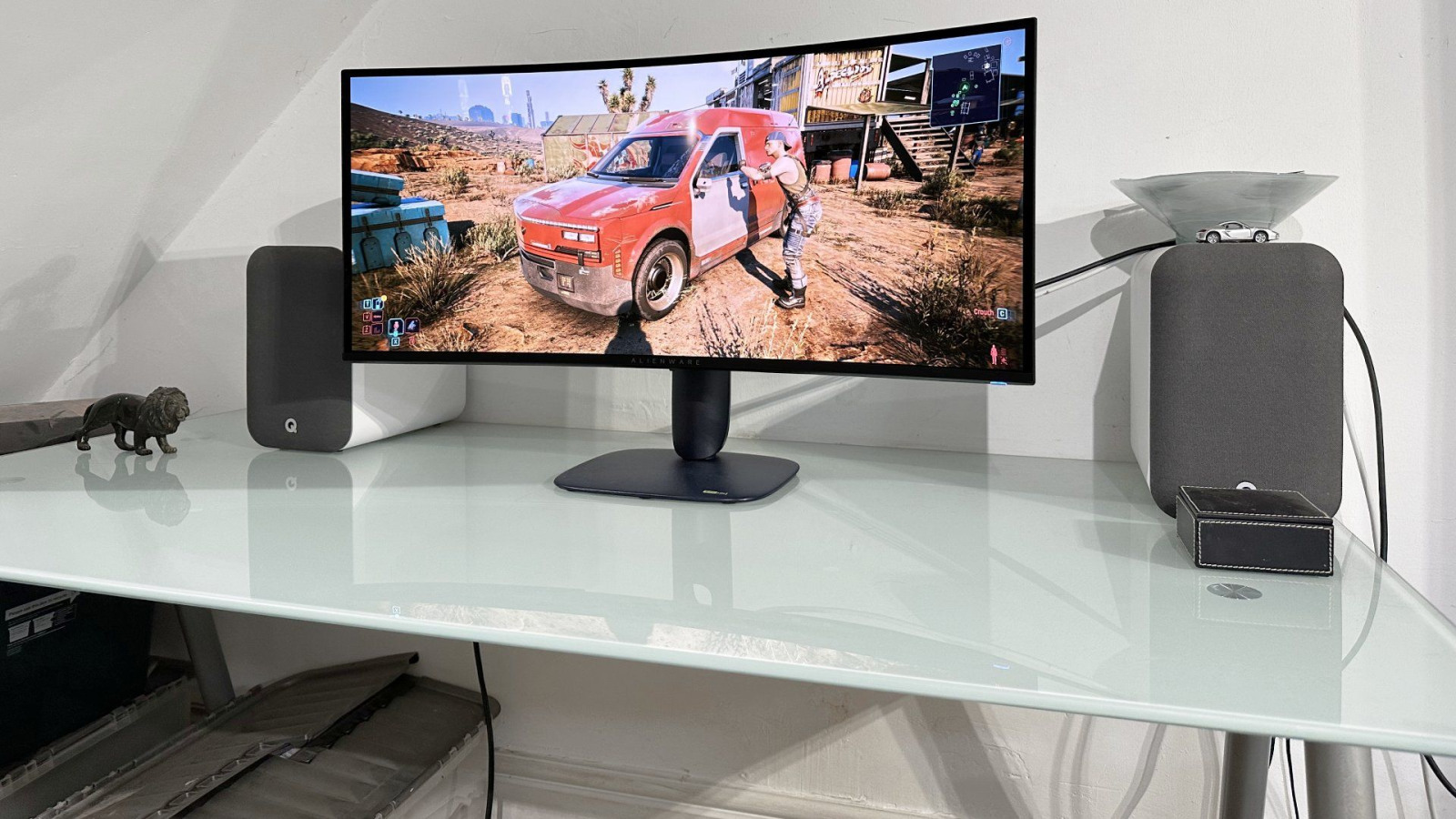
The Alienware AW3426DW is a 34-inch curved 21:9 QD-OLED monitor with a 3440 × 1440 resolution and a 280 Hz refresh rate. It launched in the United States at $799.99. The generational change extends beyond refresh: a new panel structure improves text, raises brightness, and makes a 34-inch OLED more practical for games and desktop work.
An RGB Stripe Addresses the Old Text Problem
The panel uses a new Penta Tandem structure and a conventional RGB stripe instead of the triangular subpixel arrangement of early QD-OLEDs. The difference is more visible in fonts and fine interface lines than games. Colored fringes around characters are reduced, allowing 3440 × 1440 to look cleaner on the desktop without higher pixel density.
A 34-inch diagonal, 21:9 ratio, and 1800R curve preserve the familiar ultrawide format. It works well in games with 21:9 support and creates space for several windows. Older titles, 16:9 video, and some console modes may display vertical black bars.
280 Hz Deliberately Sits Below Flagships
The rated gray-to-gray response is 0.03 ms, with 280 Hz available at full resolution. AMD FreeSync Premium Pro, NVIDIA G-SYNC Compatibility, and VESA AdaptiveSync are supported. Reaching the ceiling requires a computer that can produce similar frame rates specifically at 3440 × 1440.
Related 360 Hz panels exist, but their advantage appears when a game sustains more than 280 frames per second. For most cinematic games, the difference matters less than the lower purchase price. Another 80 Hz remains measurable in a competitive shooter paired with a very fast GPU, so higher-end models retain a defined audience.
HDR Has Two Different Characters
The monitor carries VESA DisplayHDR True Black 500 certification and supports Dolby Vision. Independent TechSpot measurements recorded roughly 1,330 nits in a 2% window, about 540 nits at 10%, and up to 330 nits across a full white screen. This is characteristic OLED behavior: a small highlight looks much brighter than a large light scene.
Peak 1300 emphasizes small sources inside dark frames but dims more aggressively as the bright area grows. True Black produces a steadier result with a lower peak. Dolby Vision matters only for compatible material; Windows switches between Dolby Vision and HDR10, so no single mode is universally best.
Ports Without a Full Dock
Two HDMI inputs support 3440 × 1440 at 280 Hz with HDR, VRR, and DSC under HDMI 2.1 FRL. There is also DisplayPort 1.4, a 5 Gbps USB-B upstream port, USB-A downstream, and 5 Gbps USB-C. USB-C supplies up to 15 W, which cannot power a gaming laptop.
The display provides a basic USB hub rather than a one-cable dock. Missing high-power charging and a KVM matters for a two-computer desk. The arrangement is sufficient for a gaming desktop, while a mixed work setup may need a separate charger and external switch.
The OLED Price Includes Panel Care
Perfect black, rapid response, and per-pixel light control give the AW3426DW a strong gaming image. Technology limits remain: static elements can create uneven wear, brightness depends on illuminated area, and coating plus ambient light affects the perception of black.
Dell provides three-year Advanced Exchange and Premium Panel Exchange coverage that includes OLED burn-in. That does not eliminate sensible care: automatically hiding the taskbar, allowing the screen to sleep, and running built-in maintenance cycles reduce persistent static load. The AW3426DW is most persuasive as a first OLED; an owner of a recent 240 Hz model should weigh improved text and brightness against the full replacement cost. Sources: Dell; Alienware; TechSpot; PC Gamer; Tom’s Guide; TFTCentral.
Аналитика MBG
