

GeForce Game Ready Driver 616.64: DLSS 5 in NBA 2K27, Onimusha & Dawnwalker

NVIDIA has released GeForce Game Ready Driver 616.64 WHQL, bringing Day 1 support for NBA 2K27 and Onimusha: Way of the Sword. The update also introduces a significant quality-of-life improvement for GeForce RTX 50 Series users: frame rate limiters and V-Sync support for DLSS 4.5 Dynamic Multi Frame Generation.
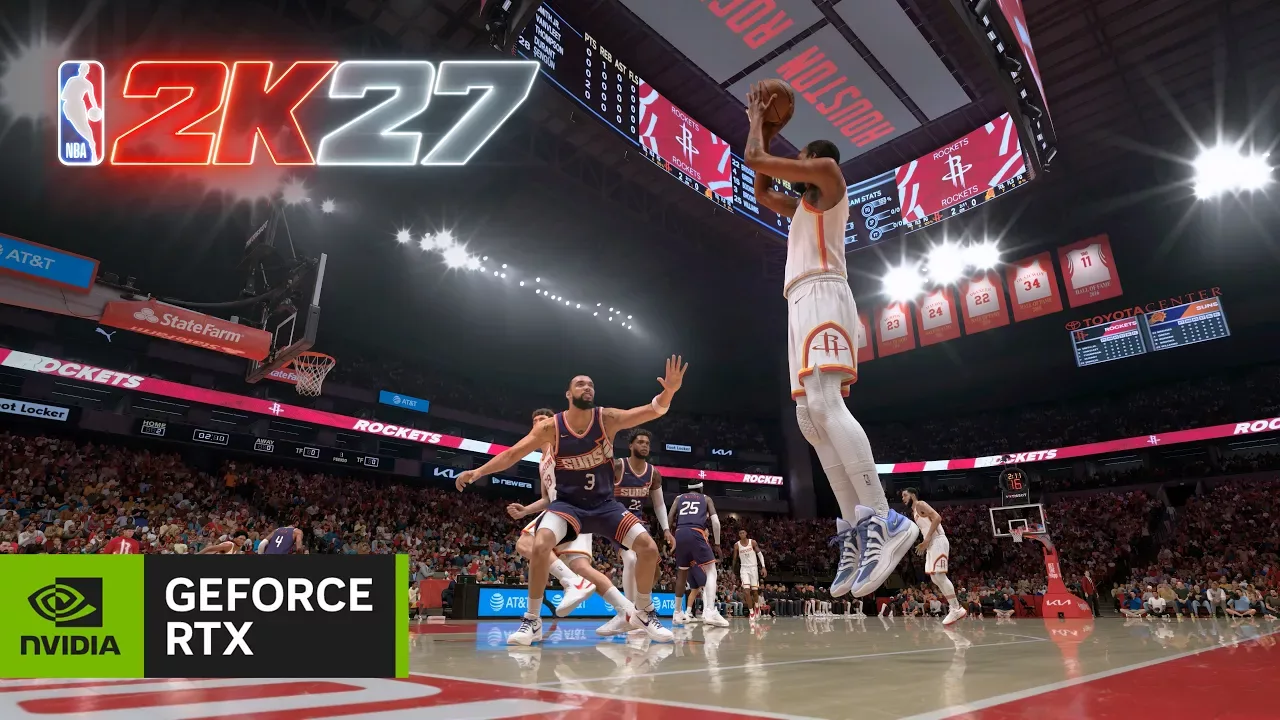
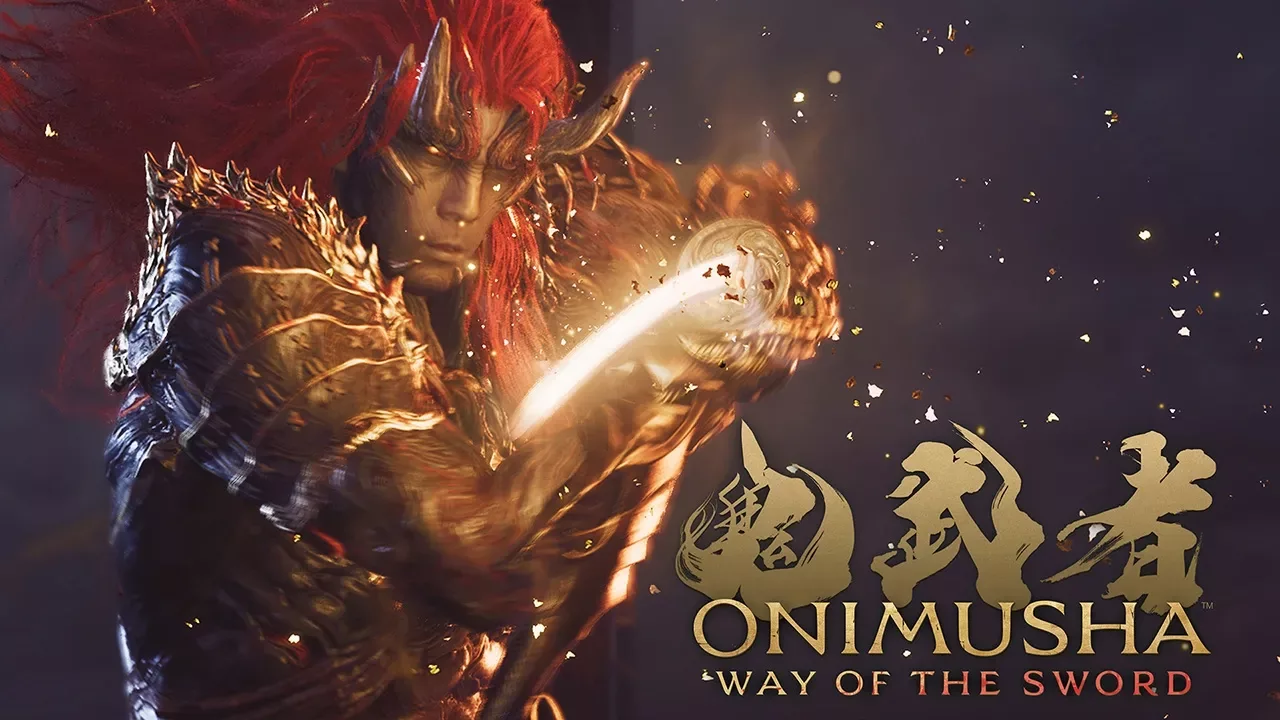
The new driver package includes Day 1 support for NBA 2K27, which features DLSS 5 with 3D Guided Neural Rendering. This technology is designed to enhance visual fidelity and performance in the basketball simulation. Additionally, the driver adds support for Onimusha: Way of the Sword, a title that leverages DLSS 4.5 Super Resolution, Multi Frame Generation, DLAA, and NVIDIA Reflex. Enabling Ray Tracing in the game improves the fidelity and clarity of reflections, while the available demo and benchmark on Steam allow players to test their system’s performance before committing to the full purchase.
DLSS 4.5 Dynamic Multi Frame Generation Updates
For owners of GeForce RTX 50 Series graphics cards, the most notable change in this driver release is the addition of frame rate limiters and V-Sync support when using DLSS 4.5 Dynamic Multi Frame Generation. This feature provides greater control over the gaming experience, allowing users to manage frame pacing and synchronization more effectively. Previously, these controls were not available in this specific mode, making this a meaningful update for those who prioritize stable frame rates and tear-free rendering.
This functionality requires the latest version of the NVIDIA app, specifically GeForce Game Ready Driver 616.64 WHQL or newer, along with NVIDIA Streamline 2.14 or newer. The Streamline component is automatically downloaded to the system following a reboot. Users can verify that their system has all the necessary components by opening the NVIDIA app, navigating to the Graphics section, and selecting a compatible Dynamic Multi Frame Generation game. In the Driver Settings, under “DLSS Override - Frame Generation Mode,” selecting “Dynamic” should display a tooltip that no longer states “Not compatible with frame rate limiters and V-Sync” if the system is fully updated.
To check the version of Streamline installed, users can navigate to the directory C:\ProgramData\NVIDIA\NGX\models and open the file nvngx_config.txt. Scrolling down to the entry “sl_dlss_g_0” will show the version number, which should be 2.14.0 or higher. If the tooltip still indicates incompatibility, it suggests that one of the required components is missing or outdated.
Additional Driver Improvements
Beyond the DLSS updates, the NVIDIA app update accompanying this driver introduces several other quality-of-life improvements. These include per-game controls for Resizable BAR in Driver Settings for all games and applications, as well as Borderless Windowed mode support for Optimal Playable Settings. These changes are detailed in the full release notes and aim to provide users with more granular control over their system configurations.
The driver is available for download through the NVIDIA app or directly from GeForce.com. Users experiencing technical issues with the new Game Ready drivers are encouraged to post detailed reports on the Driver Feedback Forum, where the Customer Care team can assist. For a comprehensive list of fixes for previously reported issues, users can refer to the official driver release notes.
This update continues NVIDIA’s focus on enhancing the gaming experience through improved driver support and new features for its latest hardware. By addressing specific user requests and integrating new technologies like DLSS 5, the company aims to provide a more robust and flexible platform for gamers and creators alike.
Гика
