
GameNative 1.2.1: XR Support for Meta Quest and Steam Enhancements
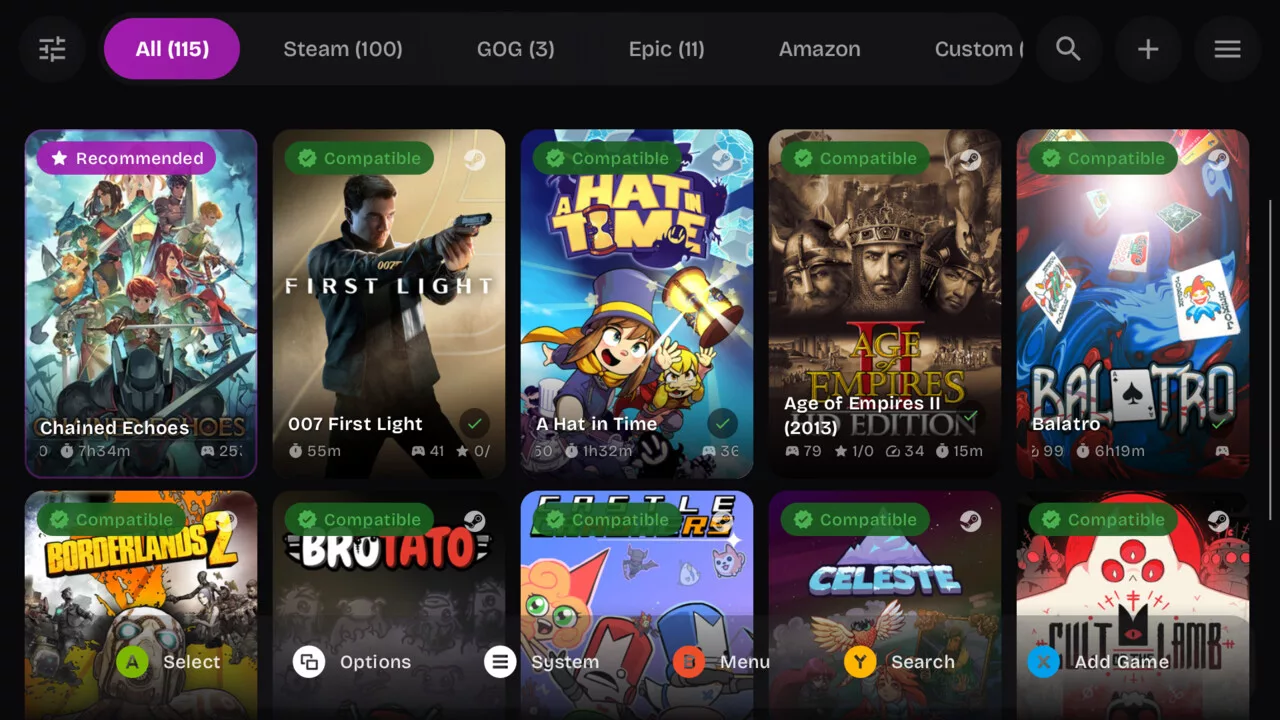
Following its recent pre-release, the developers of GameNative have officially launched version 1.2.1. The app enables users to run PC games locally on Android devices without relying on the cloud, and this update focuses on expanding functionality and fixing stability issues.
Steam, GOG, and Meta Quest Improvements
A major highlight of the update is the introduction of fundamental XR game support for Meta Quest via specialized XR builds. For Steam users, GameNative now features a built-in view for checking achievements directly within the app. Additionally, a new 4:3 aspect ratio filter has been added to the Steam library, specifically targeting devices like the RP Nova.
Support for GOG has also been expanded. A new GOG installer for version 1 aims to resolve registry issues and compatibility problems with older titles that require a physical CD-ROM. The update also addresses bugs related to DLC downloads, such as issues encountered with Sally Face when selecting the Season Pass.
For Epic Games, the update focuses on stability. Users can now disable the Epic overlay via container settings, a move intended to prevent crashes during save game loading caused by CEF virtual memory issues.
Controller Support and UI Tweaks
The update improves multi-controller management, fixing an issue where a second controller could not be reassigned to the first player. Joy-Con controllers should now pair more reliably, and Composite-HID keyboards are no longer incorrectly identified as controllers. The interface also receives customizable library tabs and URI implementation support.
On the technical side, developers have refined how the app handles external storage. After issues with fast external loading in version 1.2.0, the default configuration for Libredirect and external drive access has been adjusted to ensure smoother game launches. Users can now also specify custom paths to executables outside of the A: drive.
GameNative 1.2.1 is currently available for download via GitHub and the project's official website.
Гика
