

Control Resonant: great gameplay, poor Steam Deck support
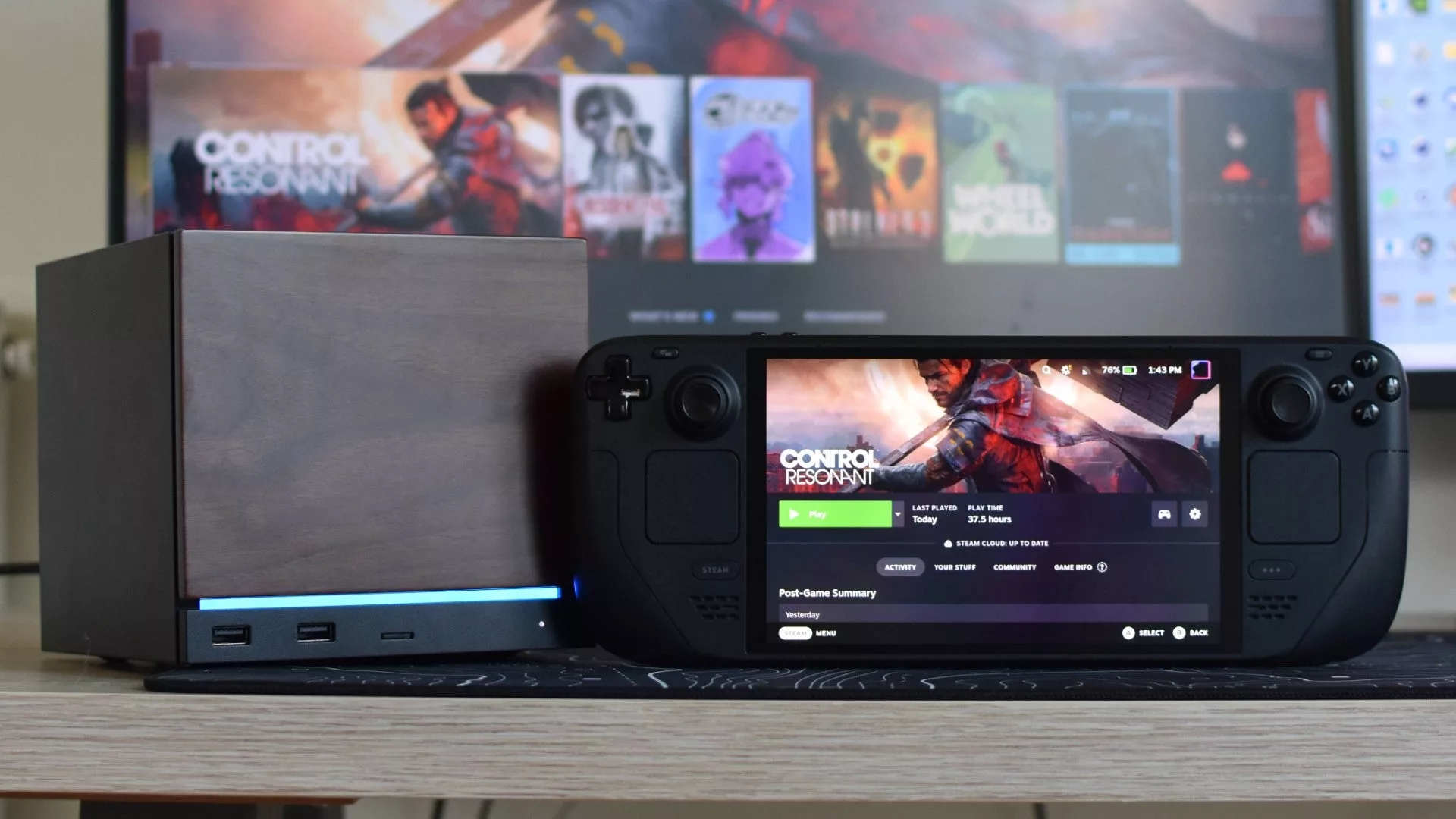
Control Resonant delivers much of what fans of Remedy-style character action games crave. However, a major ambition has fallen short: the ability to play it comfortably on the go, despite previous promises of Steam Deck support.
The disappointment stems from the fact that the game's graphics options include a 'Handheld' quality preset, yet the actual performance on the Steam Deck OLED is underwhelming. Even with this preset and FSR in Performance mode, the device struggles to maintain 30 FPS. In the warped streets of New York, framerates often dip into the low-to-mid twenties, accompanied by heavy stutters likely caused by the device's 16GB of shared RAM/VRAM being pushed to its limit.
The 105GB installation size also places a heavy load on the SSD. Attempting to use Ultra Performance upscaling doesn't solve the issue; instead, it degrades the visuals so much that combat becomes difficult to track. Consequently, despite the built-in handheld settings, the Steam Deck is not a recommended way to experience the game.
Performance on Steam Machine
The experience is significantly better on a Steam Machine. Running at 1080p with Ray Tracing disabled, the game provides a much smoother experience. On Medium settings, it can achieve 40–50 FPS in demanding open-world areas. Moving to High settings with FSR Quality upscaling typically results in a stable 50–65 FPS.
Manual tweaking of individual settings—such as lowering lighting and reflections—offers only a marginal performance boost of about 14% over the High/FSR Quality combo. While this might help maintain higher peaks on a high-refresh-rate monitor, the gains are minimal.
Regarding modern features, FSR Frame Generation performs surprisingly well, potentially pushing framerates above 100 FPS, though it introduces a slight input lag that may affect timing-sensitive melee combat. On the other hand, Ray Tracing is currently not worth the trade-off; enabling it can drop framerates into the 20s and has been known to cause crashes in SteamOS environments.
Флешка
