

Alienware AW3926QW review: The 5K2K ultrawide OLED everyone wanted is here
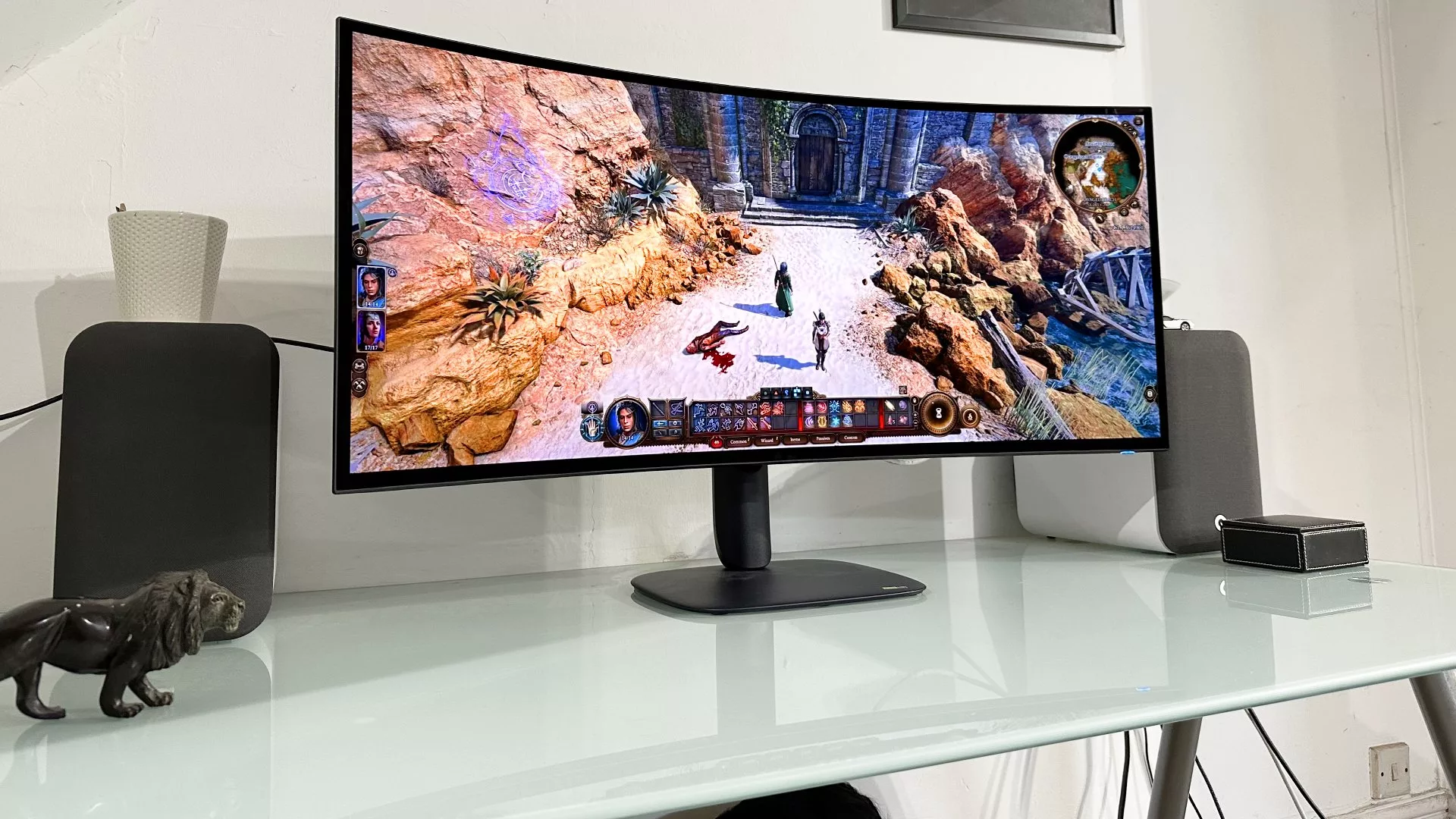
The Alienware AW3926QW has arrived as the long-awaited 5K2K ultrawide OLED, promising a massive leap in immersion with LG's latest Tandem WOLED technology and pure RGB-stripe subpixels. While the on-paper specifications are undeniably stellar—offering excellent pixel density, vibrant colors, and a modern design—the monitor has also sparked intense debate within the tech community regarding specific display behaviors. This review examines whether the Alienware AW3926QW lives up to its hype or if the reported issues prevent it from being the definitive choice for high-end gaming.
The Biggie: A Massive Leap in Specifications
For years, enthusiasts have chased the holy grail of ultrawide displays: a massive screen that combines the immersion of an ultrawide aspect ratio with the sharpness of 4K resolution. The Alienware AW3926QW finally delivers on this promise. It is a 39-inch panel with a native resolution of 5,120 by 2,160 pixels (often referred to as 5K2K). This configuration essentially takes the pixel density of a standard 32-inch 4K monitor and stretches it across a much wider canvas, resulting in incredibly crisp text and detailed imagery.
The standout feature here is the panel technology. Unlike previous generations that utilized RGWB (Red-Green-White-Blue) subpixels, this Alienware model employs LG's new Tandem WOLED architecture with pure RGB-stripe subpixels. This is a significant engineering shift. The "Tandem" aspect refers to an additional emissive layer added within the subpixels to boost brightness and longevity, while the "RGB-stripe" structure removes the dedicated white subpixel found in older panels. This change aims to provide sharper text rendering and broader color coverage, bringing the display closer to the vibrancy of competing QD-OLED technology.
Performance: Brightness, Color, and Speed
In practice, the Alienware AW3926QW performs admirably in almost every metric. The most immediate improvement over previous Tandem WOLED models is brightness. While some RGB-stripe panels historically suffered from reduced full-screen brightness compared to their RGWB counterparts, this 39-inch model manages a respectable 300 nits at full screen and peaks at 1,300 nits in HDR mode. This is a noticeable jump over the Asus ROG Swift PG32UCWM, which tops out at 250 nits full screen.
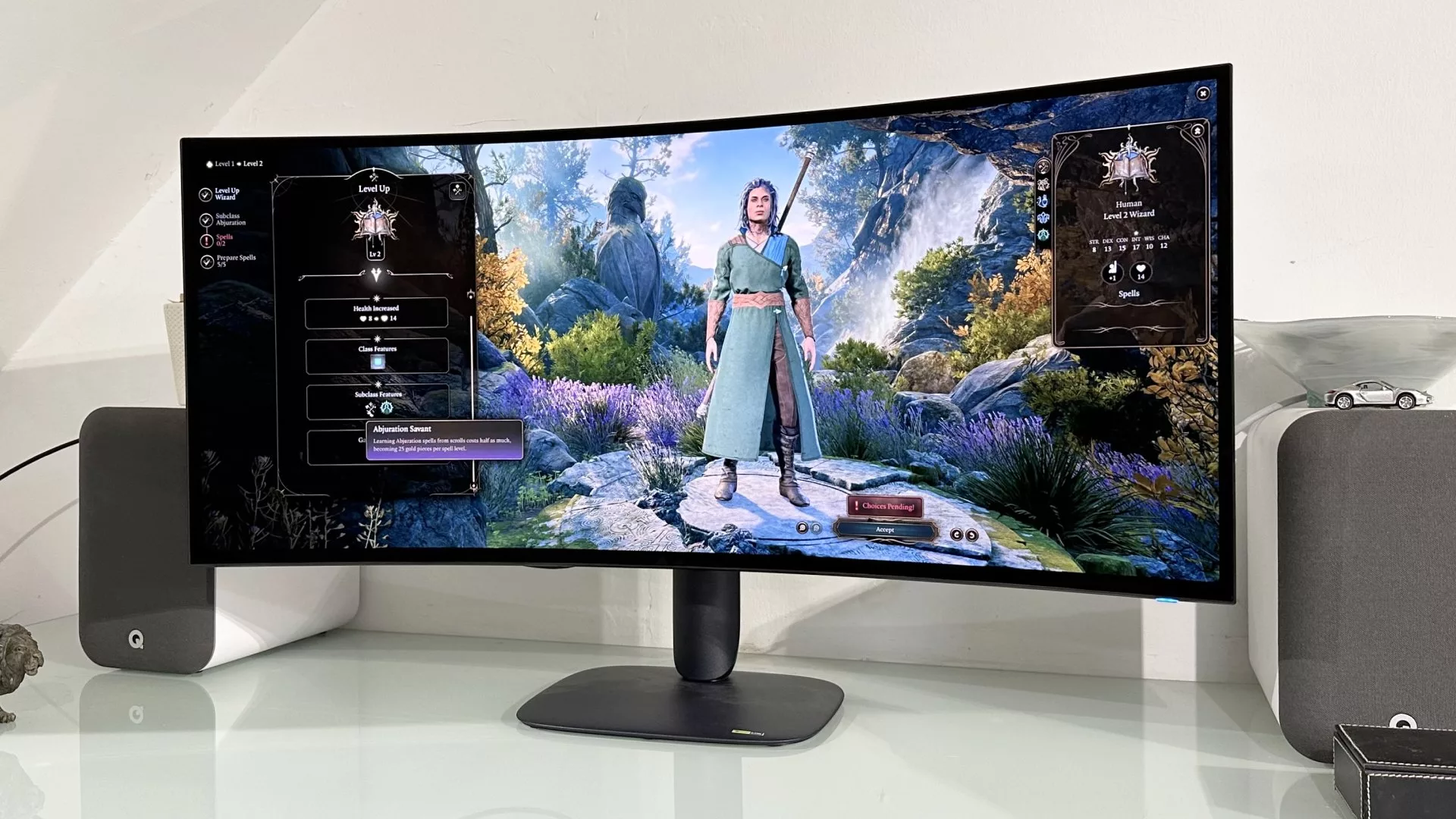
The color performance is equally impressive. By utilizing RGB-stripe subpixels, the monitor achieves a more natural and accurate color balance compared to the slightly green-tinged look of older WOLED panels. The result is a display that rivals QD-OLED in terms of vibrancy but retains the deep blacks and infinite contrast ratio inherent to OLED technology. Response times remain incredibly fast at 0.03 ms, ensuring smooth motion without ghosting.
However, there is one area where enthusiasts might find a compromise: refresh rate. At its native 5K2K resolution, the panel runs at 165 Hz. While this is more than sufficient for most gaming titles, especially when paired with upscaling technologies like DLSS, it falls short of the 240 Hz standard found on many 32-inch 4K OLEDs. The monitor does offer a dual-mode feature that drops the resolution to 2,560 by 1,080 to push the refresh rate up to 330 Hz, but this comes at the cost of significant sharpness and image quality.
The Controversy: Vignette Dimming and Green Tint
Despite its strengths, the Alienware AW3926QW has not been without controversy. Early adopters and online communities have reported specific issues that warrant attention. The most discussed problem is "vignette dimming," also known as corner or edge dimming. This phenomenon occurs when the edges of the screen appear slightly darker than the center, particularly after displaying bright content for a period of time.
Our investigation suggests this is not necessarily a hardware defect but rather a result of LG's Convex Power Control (CPC) feature. CPC is designed to protect the OLED panel from burn-in by dimming the edges during high-brightness scenes. On the Alienware AW3926QW, this protection mechanism can be quite aggressive. When switching from a game with bright scenery to a standard desktop environment, users may notice a temporary darkening around the borders of the screen that takes about 30 seconds to fade as the panel adjusts back to full brightness.
Another reported issue is a green tint visible at the edges of the display. This appears to be a viewing angle characteristic rather than a uniform color shift across the entire screen. While noticeable if you are sitting very close to the monitor or looking at the corners from an extreme angle, it does not significantly impact the overall viewing experience for most users seated in a standard position.
Build Quality and Connectivity
Beyond the panel itself, the Alienware AW3926QW features a modern, organic design that moves away from the retro white plastic aesthetic of older Alienware models. The chassis is finished in dark blue plastic with slim bezels on all four sides, giving it a sleek and contemporary look. It includes a glossy screen coating which enhances contrast but may show fingerprints more easily than a matte finish.
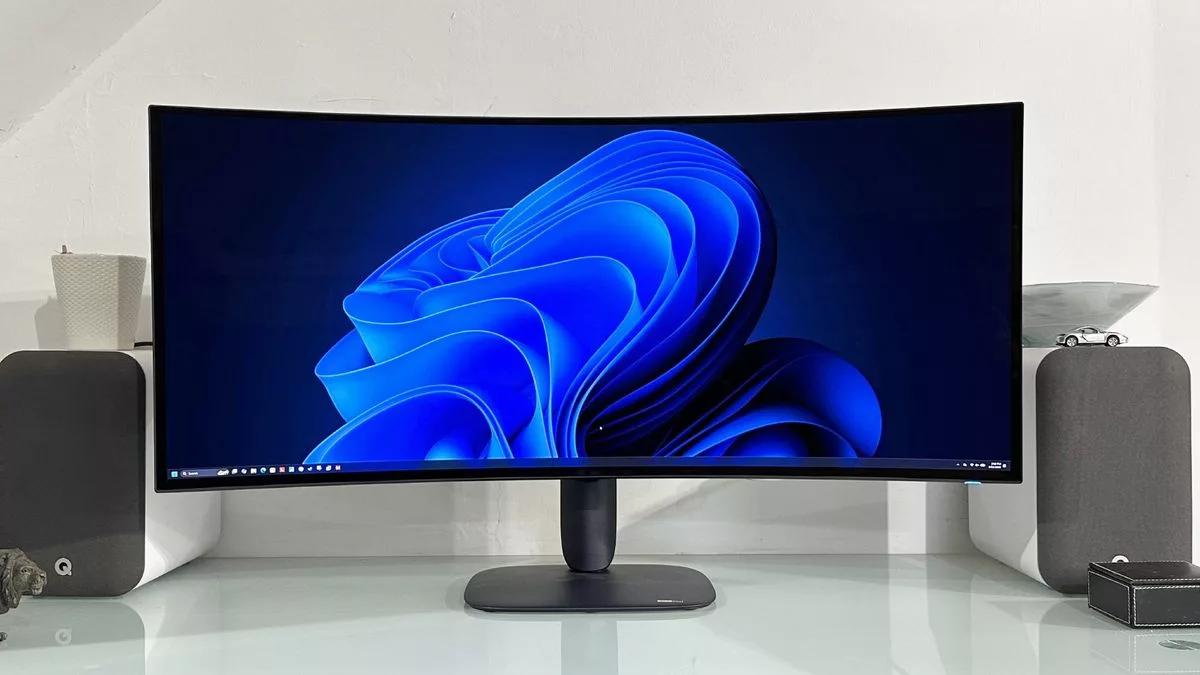
Connectivity is robust for a monitor of this size. It features two HDMI 2.1 ports, a DisplayPort 2.1 connection, and a USB-C port that supports up to 90W of power delivery, allowing you to charge your laptop while connecting it to the display. A built-in USB hub with a KVM switch adds convenience for multi-device setups.
Verdict: An Incredible Monitor with Minor Caveats
The Alienware AW3926QW is, without question, an incredible piece of hardware. It offers the best combination of size, resolution, and color accuracy currently available in the ultrawide OLED market. The RGB-stripe Tandem WOLED technology delivers vibrant colors and deep blacks that are simply stunning, making HDR content look lush and immersive.
However, it is not without flaws. The vignette dimming issue, while likely fixable via a firmware update to adjust the CPC settings, is a persistent annoyance for users who demand perfect uniformity across their entire screen. Additionally, the 165 Hz refresh rate at native resolution may feel limiting for competitive gamers accustomed to higher frame rates on smaller screens.
Ultimately, if you are looking for the ultimate immersive experience and can afford a powerful graphics card to drive the high pixel count, the Alienware AW3926QW is the monitor we would personally buy right now. It pushes the boundaries of what an ultrawide OLED can do. That said, the reported issues mean it cannot receive an unreserved recommendation for every user yet. We recommend waiting for a potential firmware update that addresses the edge dimming before making a final purchase decision.
Key Specifications
- Screen Size: 39-inch
- Resolution: 5,120 x 2,160 (5K2K)
- Panel Type: LG Tandem WOLED with RGB-stripe subpixels
- Brightness: 300 nits full screen, 1,300 nits peak HDR
- Refresh Rate: 165 Hz @ native resolution, 330 Hz @ dual-mode (lower res)
- Response Time: 0.03 ms
- Features: DisplayHDR True Black 500, G-Sync, FreeSync, USB-C with PD
- Warranty: 3 years (includes OLED burn-in coverage)
Гика
