How to Prepare for the Massive Gaming Event on November 19
November 19, 2026, is fast approaching, and for the Xbox community, it promises to be a monumental day. To ensure you are ready to dive into the action the moment midnight strikes, we have compiled a comprehensive checklist to help you manage your hardware, storage, and personal schedule for what is expected to be a massive season of gaming.
2026 has been an exceptionally busy year for major releases. With titles like Gears of War E-Day, Call of Duty: Modern Warfare 4, Forza Horizon 6, Halo: Campaign Evolved, Minecraft Dungeons II, Diablo 4: Lord of Hatred, Control Resonant, Mixtape, Pragmata, The Blood of Dawnwalker, Star Wars: Galactic Racer, 007 First Light, and Ace Combat 8: Wings of Theve all arriving this year, your library is likely growing fast. This influx of content means your Xbox Series X|S storage might be reaching its limit. To be ready for November 19, you may need to free up approximately 212GB of space. You can achieve this by making tough choices about which games to uninstall or by upgrading your console's capacity using the storage expansion slot on the back of the device.
Cloud Gaming and System Readiness
If storage space remains a concern, Xbox Cloud Gaming offers an alternative. By streaming directly from the cloud to an Xbox One console, you can experience the latest titles without needing a current-gen console or worrying about local hard drive capacity. Game Pass subscribers receive a monthly allotment of hours, though additional time blocks can be purchased. Notably, several major upcoming releases have been confirmed as cloud-ready on day one, ensuring accessibility even for those without a Series X|S.
To avoid interruptions during your gaming sessions, it is vital to prepare your hardware in advance. Ensure your Xbox Series X|S or Xbox One is connected to the internet to download any pending system updates. It is also highly recommended to install any pre-ordered upcoming releases ahead of time so you aren't stuck waiting for a download when the big day arrives.
Managing Your Environment and Schedule
A successful gaming marathon requires minimizing distractions. This includes managing household responsibilities—such as arranging a dog walker or daycare for pets—and ensuring your console is placed in a secure, accessible location. If you share your space with younger players, consider moving your console to a more private area, like a home office, or using an extension cable to keep it out of sight. Remember that your save files are stored in the Cloud, allowing you to pick up your progress regardless of where you are plugged in.
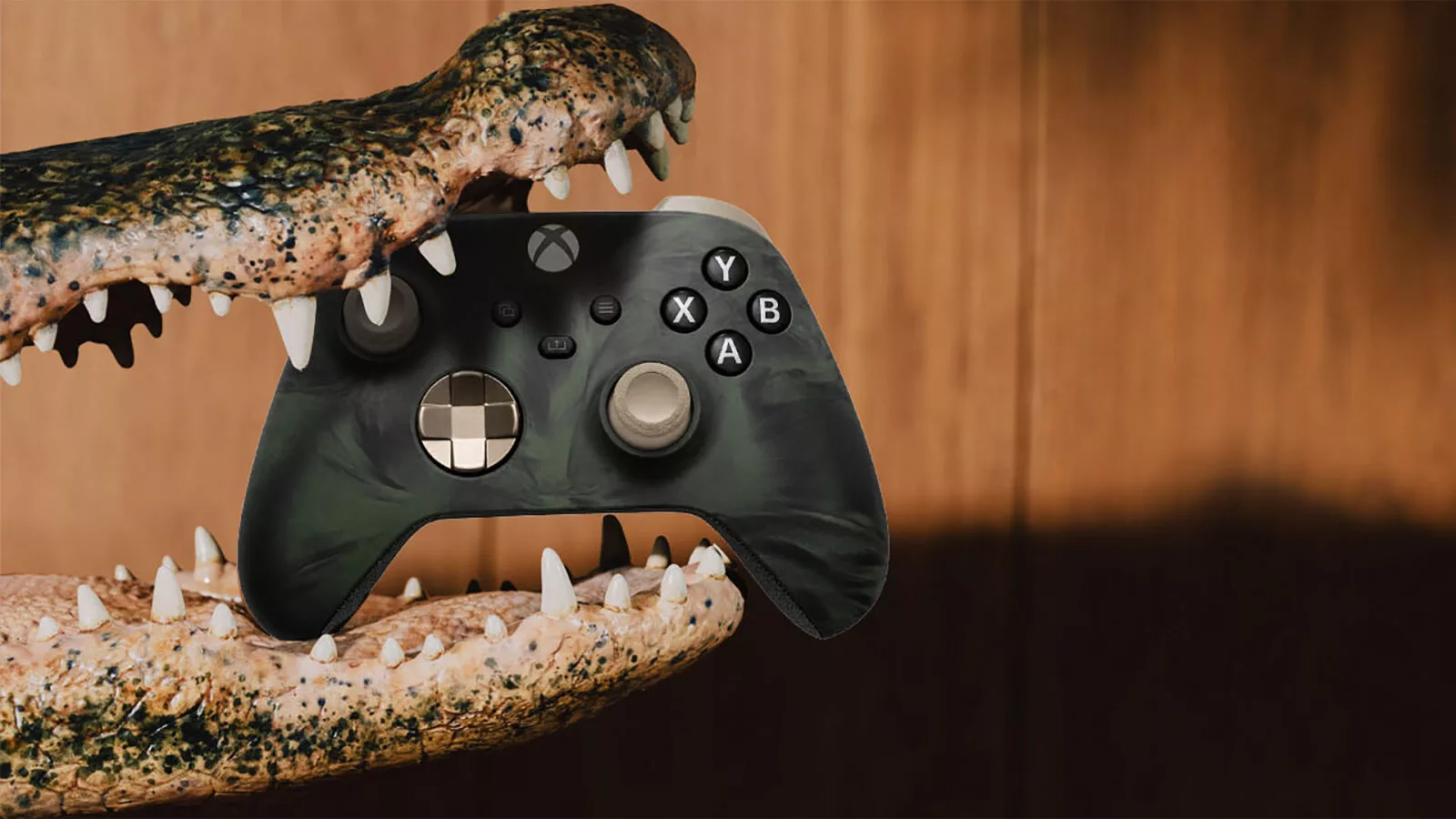
Finally, don't forget the small details that keep you in the game. Ensure your wireless controllers are fully charged or that you have a supply of AA batteries ready. Having a backup controller can help minimize interruptions during long sessions. For those looking to commemorate the occasion, Xbox Design Lab offers the ability to create custom next-gen Xbox Wireless Controllers with unique colors and patterns, including striking pink and pastel themes.