

DLSS 5 with Foveated Rendering: RTX 4090 Jumps from 48 to 80 FPS in 32:9 Ultrawide
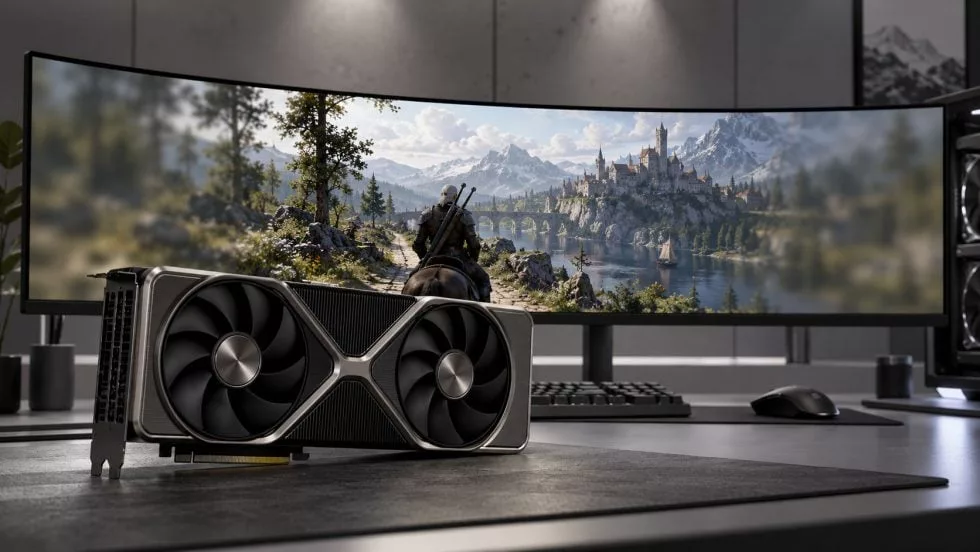
While DLSS 5 from NVIDIA offers impressive upscaling, its neural rendering component places a significant computational burden on the GPU. This overhead becomes particularly noticeable at extremely high resolutions. However, new community mods are tackling this by applying Foveated Rendering principles to ultra-wide setups.
Reducing Peripheral Detail to Save Power
Foveated Rendering, a staple in VR technology, leverages the fact that the human eye perceives high detail only in the central field of view. While traditional VR methods reduce the actual rendering resolution at the edges, the new Foveated DLSS5 and CheekyFoveatedDLSS mods take a different approach. They selectively reduce the level of detail within the neural rendering model itself outside a user-defined central area.
This is a game-changer for 32:9 Ultrawide monitors. On a standard 4K display, the workload is already heavy, but at a resolution of 7680 × 2160, the sheer number of pixels makes neural rendering a measurable component of frame time. These mods allow users to customize the size of the high-detail zone and the gradient of quality loss toward the edges, making the experience adaptable to screen size and viewing distance.
Benchmark Results: RTX 4090 in The Witcher 3
Tests conducted by Maximedgoulet on an RTX 4090 running The Witcher 3 demonstrate the potential of this method. Using DLSS 5 in 2×-Multipass mode at 7680 × 2160, the frame rate sat at approximately 48 FPS. Activating foveated rendering boosted the performance to around 80 FPS—a roughly 67% increase.
It is important to note that this isn't a universal doubling of performance. The gain depends heavily on the configuration: a larger high-quality zone results in fewer FPS savings, while a smaller zone risks visible artifacts at the periphery. For users with 5K2K or 5120 × 1440 resolutions, this compromise is significantly more viable than on standard 16:9 displays, where much of the extra screen real estate lies outside the immediate focal point.
Technical Limitations and Modding Status
Currently, these are strictly modding solutions. Foveated DLSS5 operates as a ReShade extension, whereas CheekyFoveatedDLSS can be used as a standalone integration. NVIDIA has not yet introduced official foveation support for standard desktop monitors. Consequently, users may encounter issues such as artifacts on geometry edges or blurred HUD elements like minimaps and menus.
A major limitation is that current mods use static foveated rendering, meaning the high-detail zone is fixed to the center of the screen. To achieve a truly seamless experience, Eye-Tracking technology is required to dynamically shift the high-resolution zone to follow the user's gaze. Without it, the technology remains a specialized tool for enthusiasts with extreme ultra-wide displays.
Гика
