

Stay Connected: Discord Integration Coming to World of Warcraft
Blizzard Entertainment has announced a new integration with Discord for modern World of Warcraft and World of Warcraft: Forever. This feature allows players to mirror guild chat with Discord channels, making it easier to coordinate raids, recruit for PvP, and stay in touch with guildmates outside of the game.
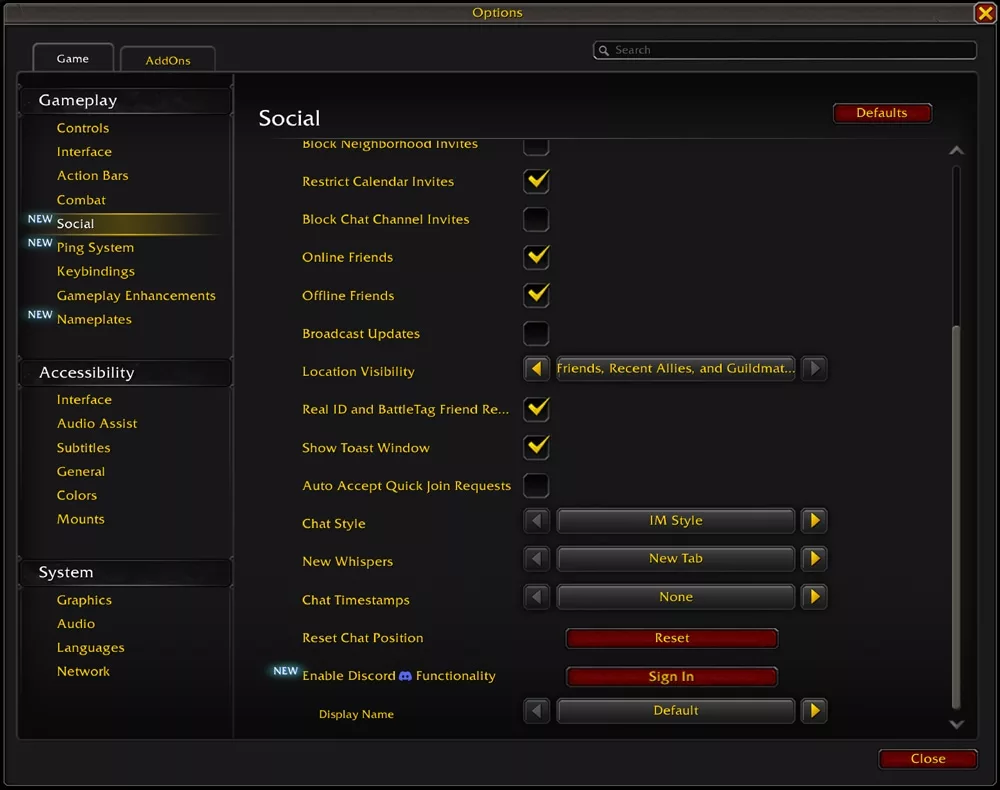
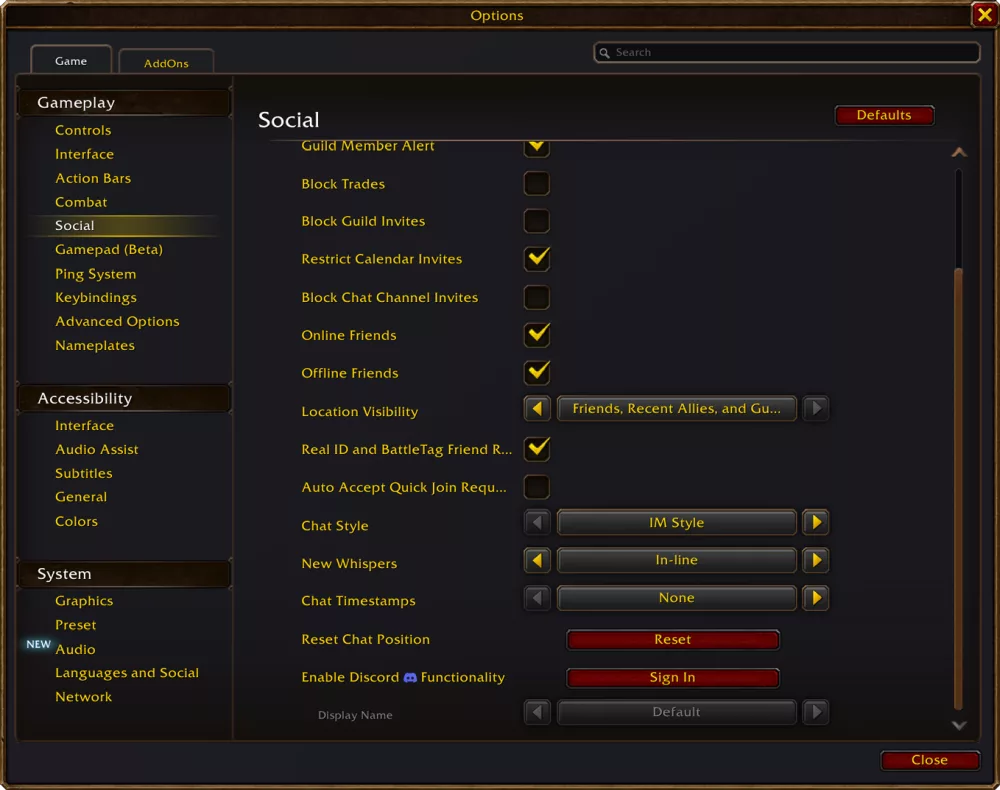
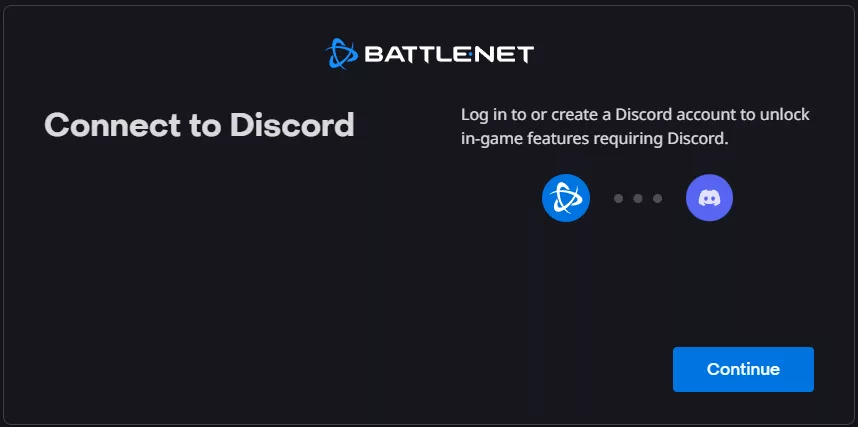
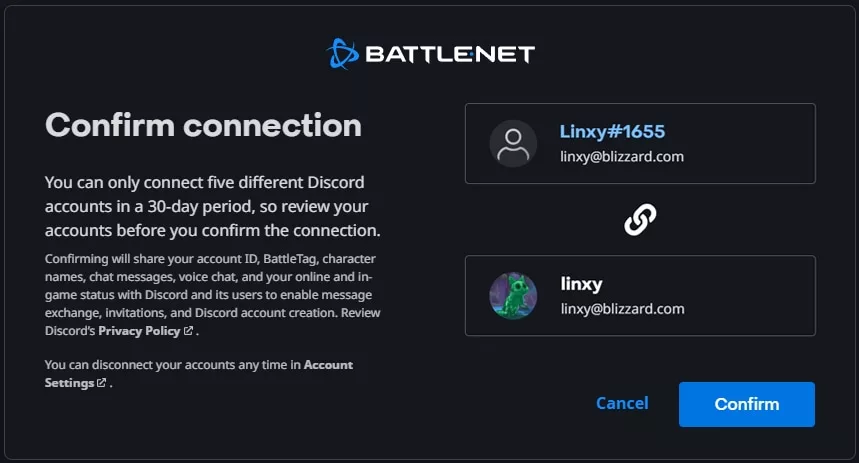
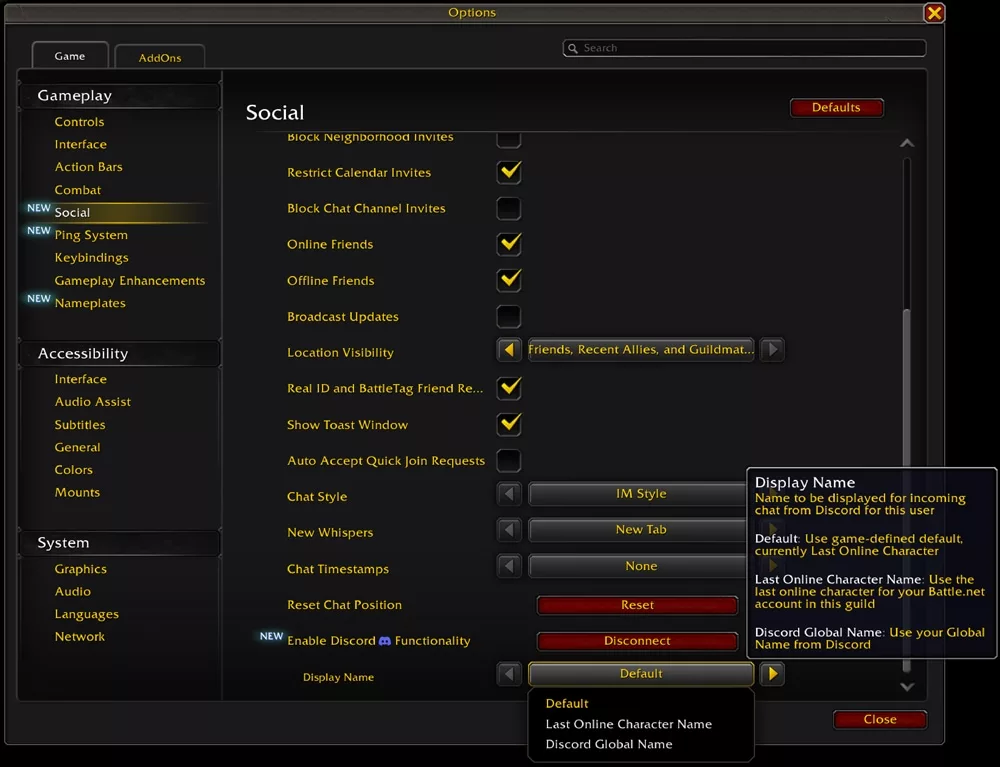
The update enables two-way messaging between Discord and the in-game guild chat. To use this feature, players must link their Discord account to their Battle.net account. This can be done via the in-game Options menu under the Social tab by selecting the 'Enable Discord Functionality' option.
Setting up a guild connection requires administrative permissions on the Discord side. Discord server administrators must ensure the designated channel has the following permissions enabled: Manage Channels, View Channel, and Send Messages.
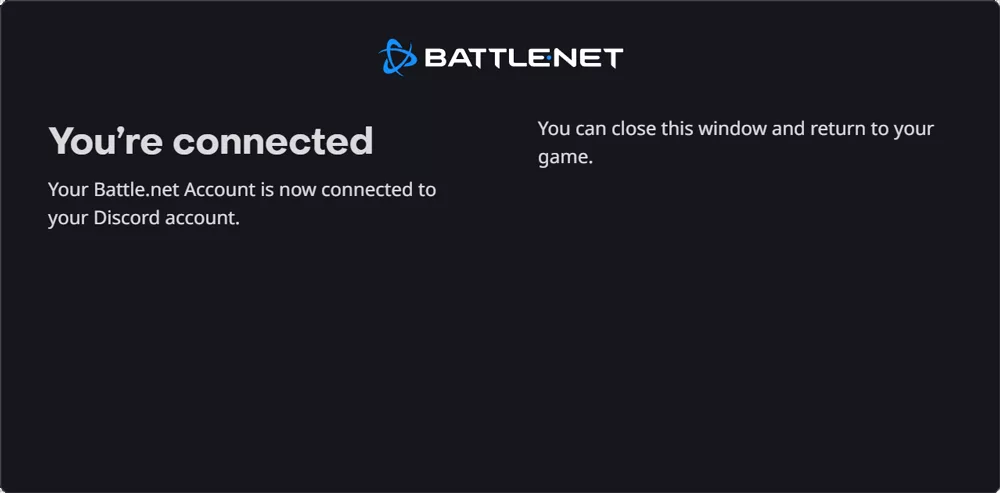
How to Link Your Guild
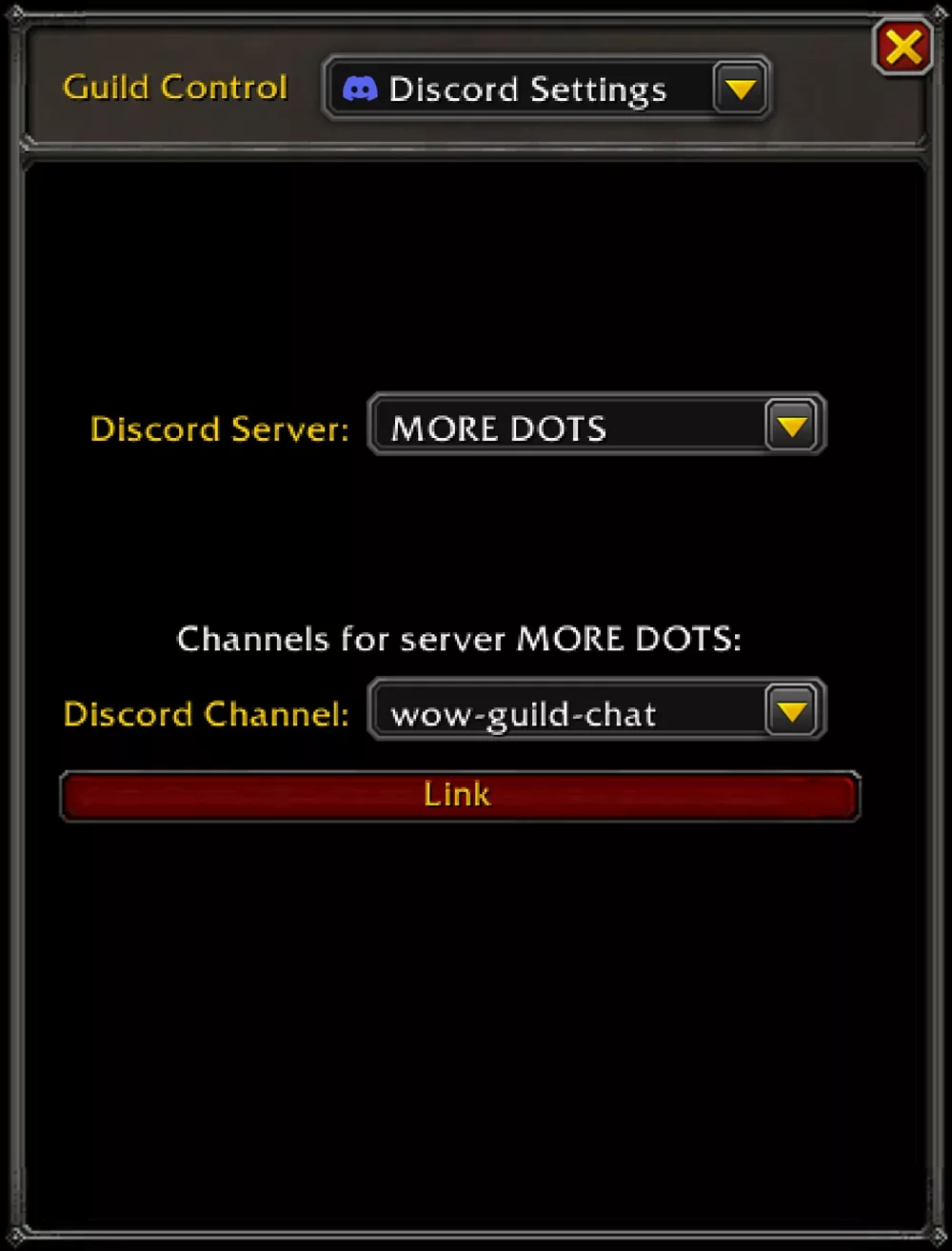
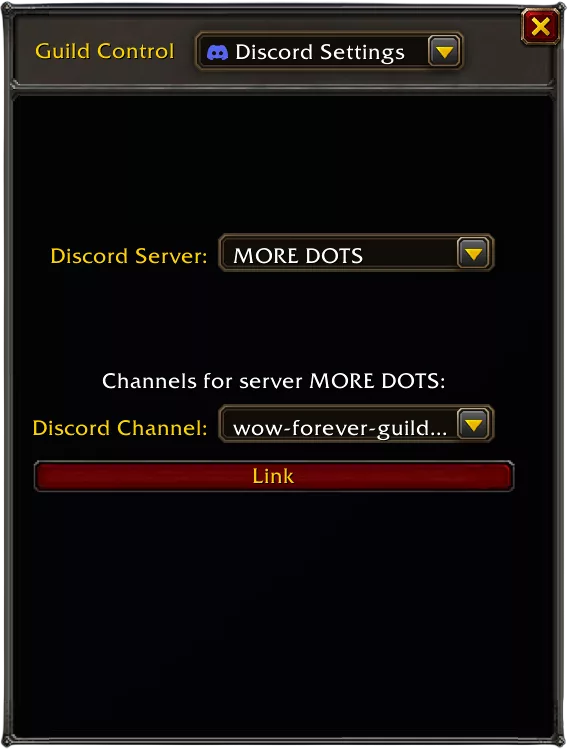
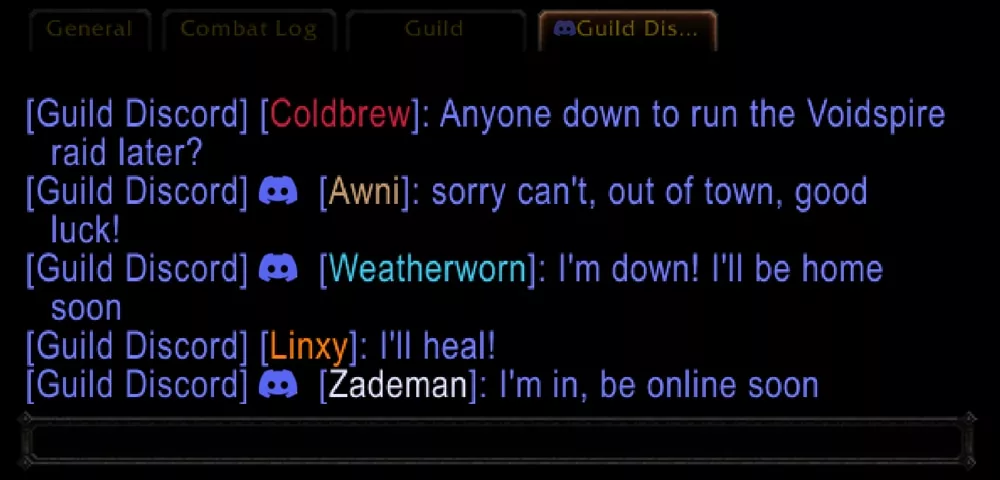
Guild leaders or authorized officers can complete the setup through the Guild & Communities UI. By accessing the Discord Settings under the Guild Control dropdown, users can select a specific Discord server and channel to link. Players also have the option to create a dedicated /discord chat channel within the game interface.
Chat Customization and Visibility
The integration offers several ways to display names when receiving messages from Discord. Users can choose between the default (last online character), the specific name of the last online character, or their Discord Global Name. It is important to note that players who have not linked their accounts will not appear in the Discord chat.
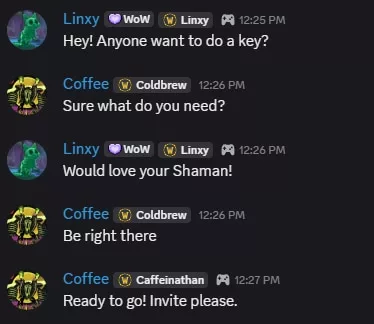
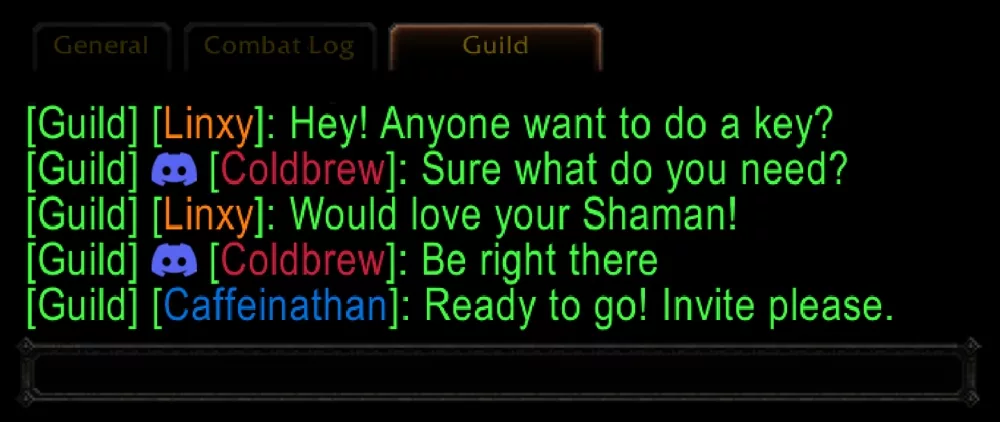
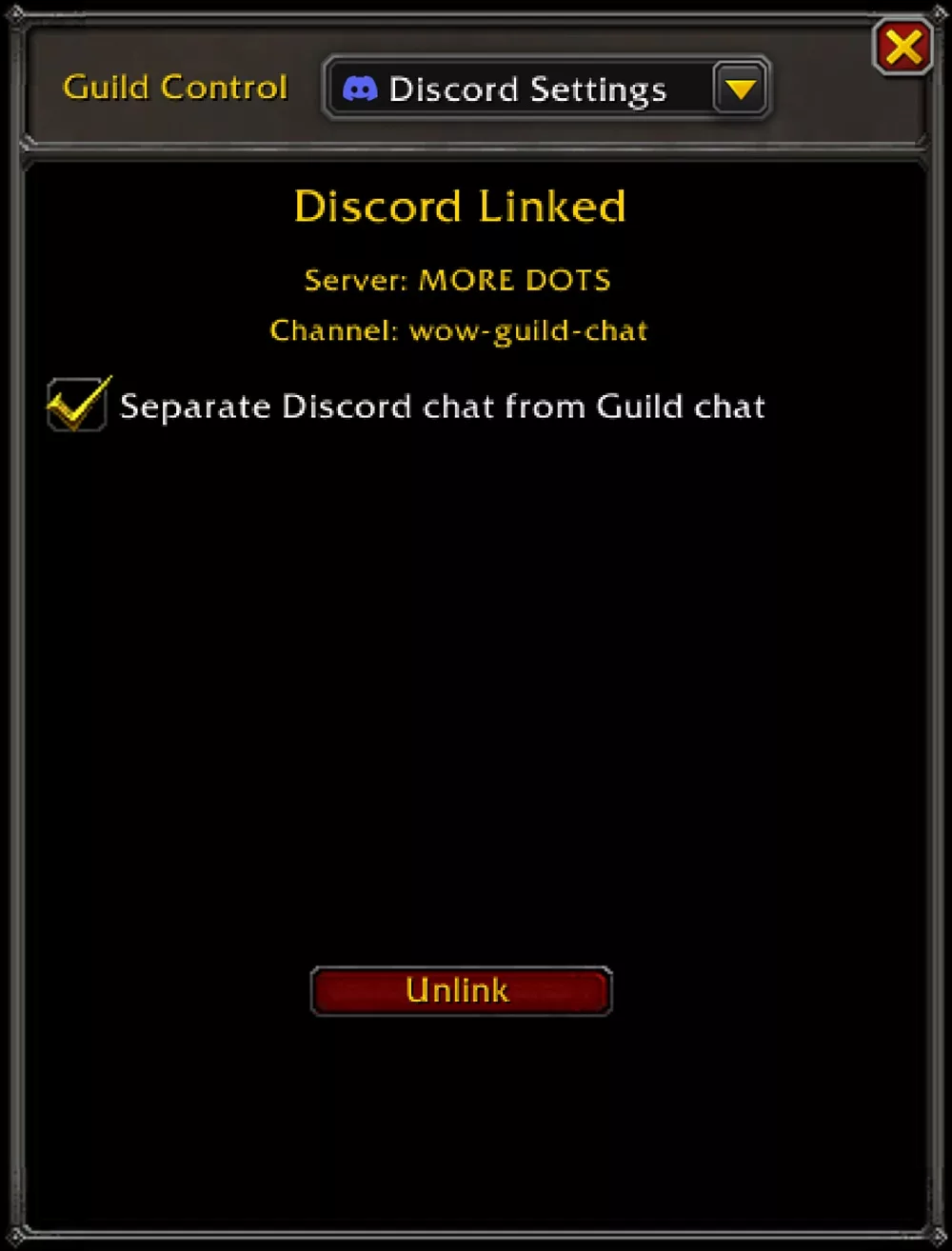
To help manage communication flow, guild leaders can choose whether Discord traffic is sent to the standard /guild chat or into a separate, dedicated /discord channel.
Флешка
