Xbox Insiders Get New Ways to Customize Home, Library, and Guide
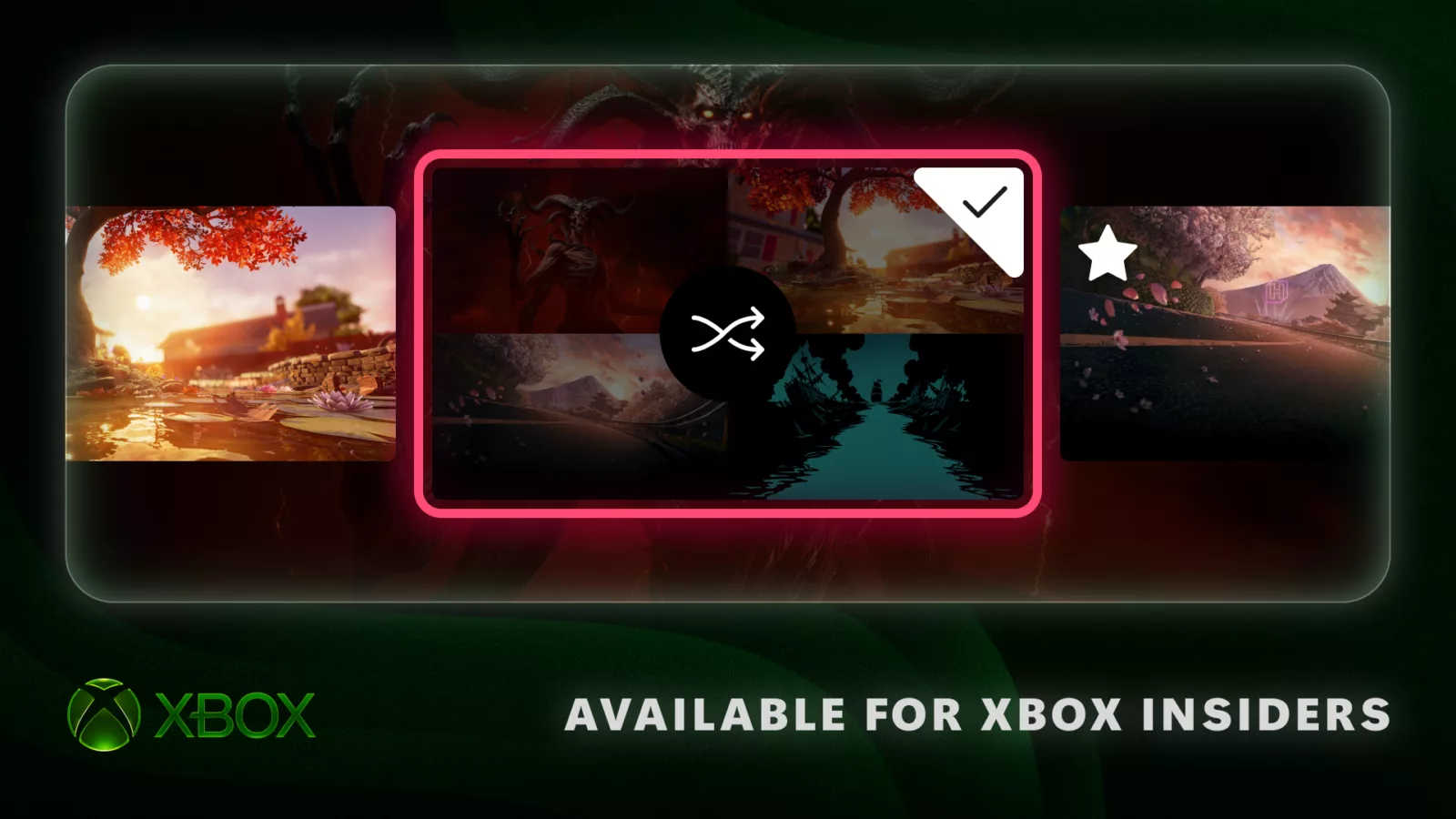
Microsoft has introduced a new set of customization features for members of the Xbox Insider Program, aimed at giving players more control over their interface. These updates allow for rotating Home backgrounds, improved organization of digital licenses for disc-based games, and the ability to reposition the system Guide. These features are currently being rolled out to Xbox Insiders on Xbox Series X|S, Xbox One, and Windows PC, with Alpha Skip-Ahead members receiving access first.
The update focuses on making the console interface feel more personal and less cluttered. According to Eden Marie, Principal Software Engineering Lead, and Judy Chen, Senior Product Manager, these changes are a direct response to player feedback regarding how the Home screen and library are managed. The goal is to allow users to keep their console Home feeling fresh without manual intervention every time they sign in.
Dynamic Home Backgrounds
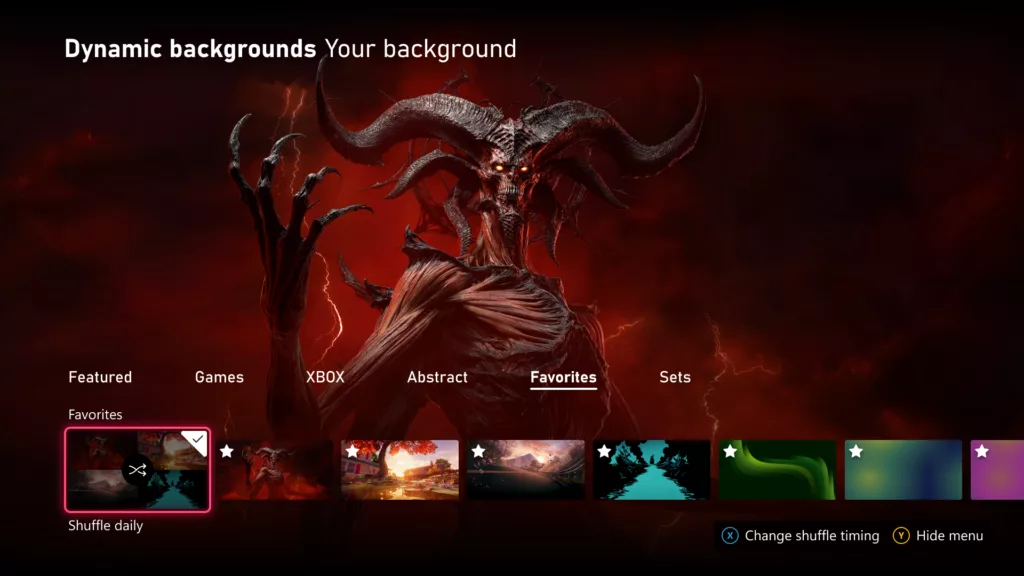
Users can now move away from static backgrounds by using the new dynamic shuffle feature. After selecting a dynamic background, players can press X to add it to a 'Favorites' category. Once a collection is built, the console can automatically rotate through these backgrounds on an hourly, daily, or weekly basis, or every time the user signs in. A useful tip for users: if you have a background associated with a specific controller, such as the Xbox Wireless Controller X25 Special Edition, saving it as a favorite allows you to use it even when that controller is not connected.
Organizing Disc-Based Digital Licenses
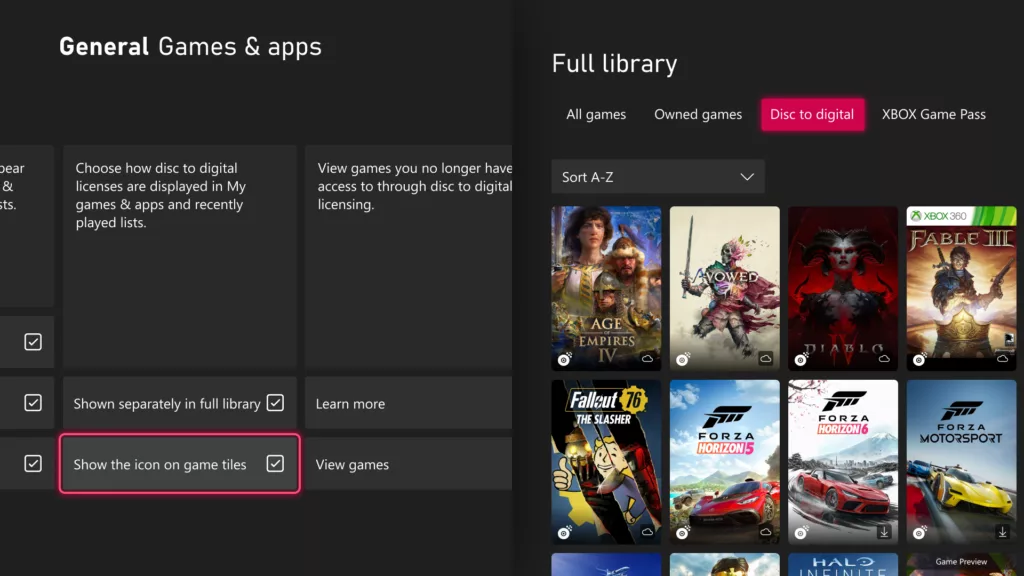
Following the introduction of digital licenses for disc-based games earlier this year, Microsoft is adding more granular control over how those titles appear in the library. Insiders can now choose to have these games displayed in a separate category or keep them alongside other owned games. Additionally, users can opt to hide the digital license icon from game tiles via the personalization settings, providing a cleaner look for their game library.
Guide Position Customization
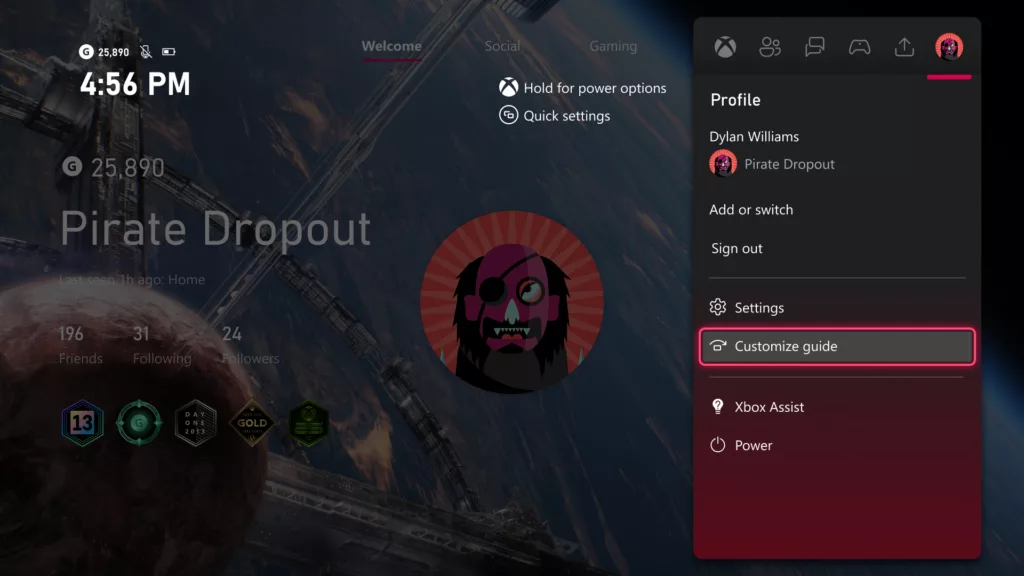
In a long-requested quality-of-life update, the Xbox Guide can now be repositioned. Players can choose whether the menu opens on the left or right side of the screen, allowing for a more ergonomic navigation experience based on their specific setup and preference.
How to Access and Use These Features
- To save a dynamic background to Favorites: Go to Settings > General > Personalization > My background > Dynamic backgrounds > Dynamic backgrounds > Choose background > Press X.
- To switch digital license view: Go to Settings > General > Personalization > Games & apps.
- To change the Guide side: Go to Settings > General > Personalization > Guide.