

Xbox Cloud Gaming: Nano-Controller bypasses TV to connect directly to servers
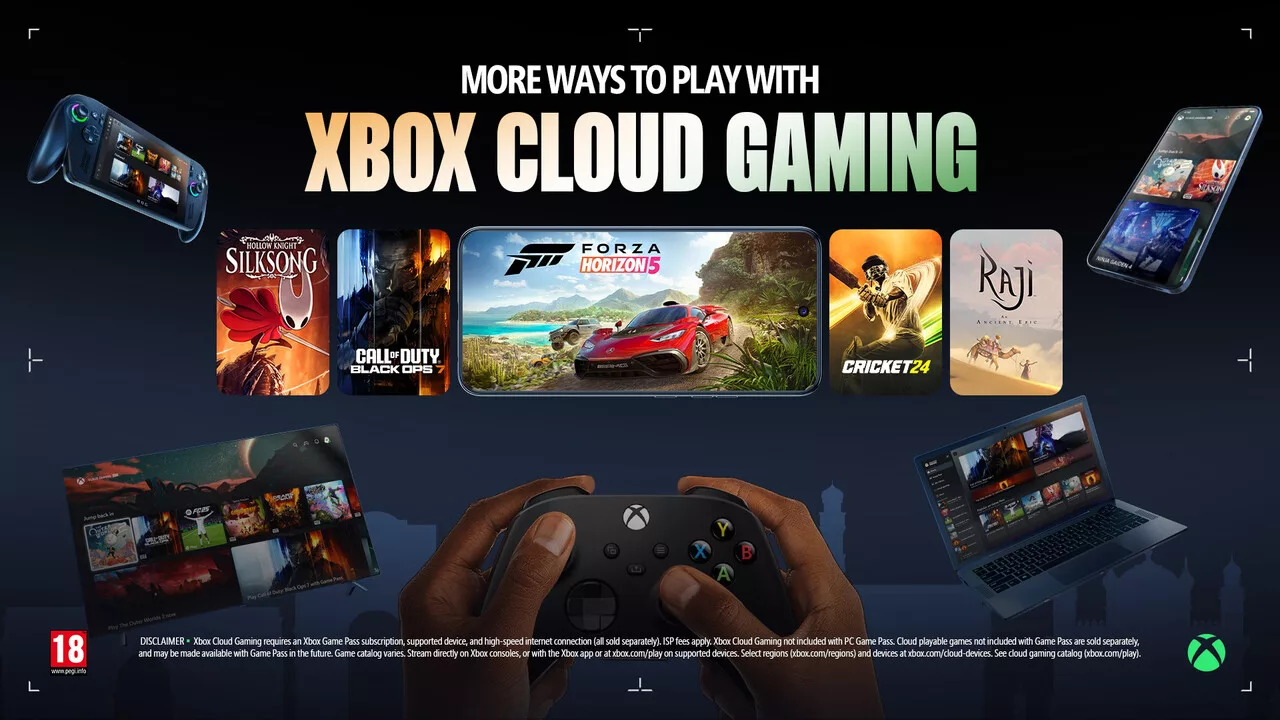
In cloud gaming, every millisecond between a button press and the on-screen reaction matters. To address input latency, Microsoft is testing a new transmission path for the Xbox Nano Controller. Instead of routing commands through a TV or local device, the controller can now attempt to communicate directly with the cloud servers via Wi-Fi.
Typically, a Bluetooth-connected controller sends its inputs to the host device—such as a Smart TV or a console—which then forwards those commands over the internet to Microsoft's servers. Microsoft's new feature, dubbed 'Cloud Connect,' aims to shorten this route. The Xbox Nano Controller, which was introduced in October, can connect directly to the home Wi-Fi network to transmit control commands straight to the cloud server where the game is being executed.
The primary goal of this architecture is to reduce input lag, a critical factor in fast-paced gaming. While Microsoft has not yet specified exactly how many milliseconds can be saved compared to a standard Bluetooth connection, nor have any independent comparative measurements been published, the potential for improved responsiveness is significant. It is important to note that video and audio streams will still be routed through the TV or the device used to launch Xbox Cloud Gaming; the controller simply requires its own internet access to handle input data independently.
Setup and Availability
Setting up Cloud Connect can be done through two methods: the Xbox Beta App on Android or the Xbox Accessories App on Windows. The latter requires users to be part of the Xbox Insider Program. Through these applications, the controller is paired with the local Wi-Fi and linked to the user's Xbox account. Once configured, the player logs into the same account on their TV or browser, allowing the controller to find the active cloud gaming session. This setup does not require a local Xbox console, as the games run entirely on Microsoft's servers.
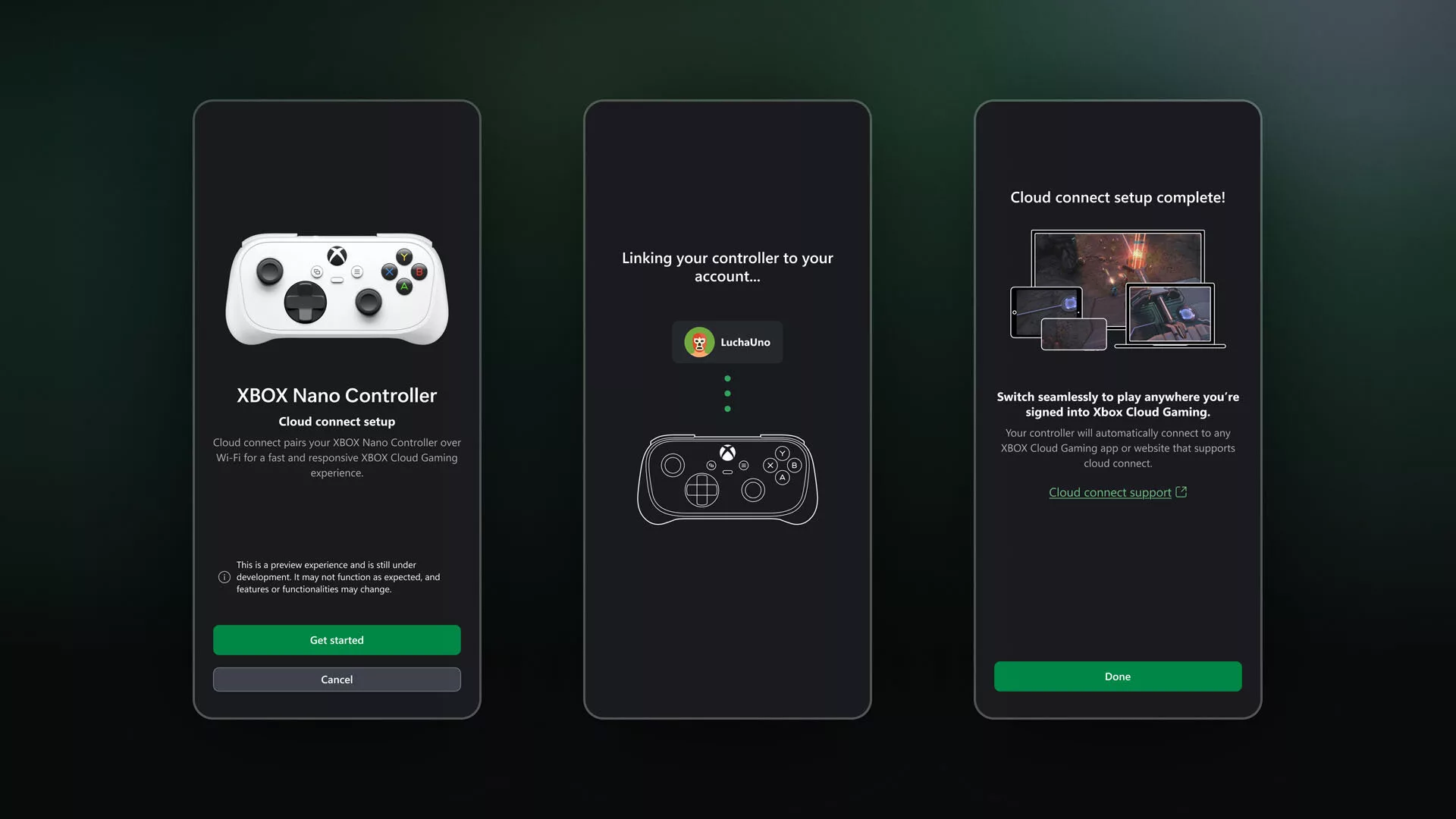
The testing phase began on November 4 and is currently limited to users in the USA. Cloud Connect is being tested on supported Smart TVs and via web browsers, though compatibility with all cloud gaming environments is not yet guaranteed. It remains to be seen whether Microsoft will extend this functionality to other Xbox controllers or when a wider release, including for regions like Germany, might occur.
Smartphone as a Controller
Alongside the hardware improvements, Microsoft is testing a way to control Xbox Cloud Gaming without any additional hardware. On supported Smart TVs, users may soon be able to use an Android or iPhone as a gamepad. The necessary controls would appear directly in the smartphone's browser, eliminating the need for a dedicated app.
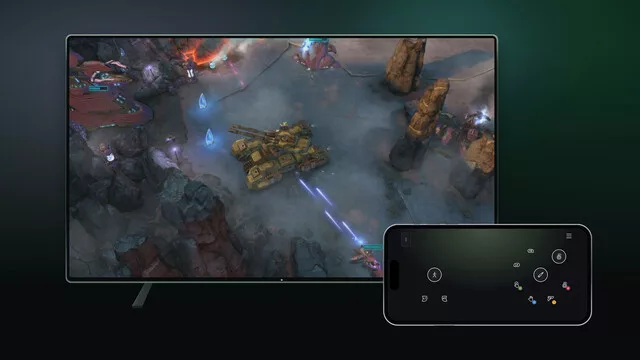
To use this feature, players must first enable the 'preview functions' option in the Xbox App settings on their TV. When a game is started without a connected controller, an option to use a smartphone appears, and a QR code is displayed on the screen to establish the connection. Controls are managed via virtual buttons on the touchscreen, with Microsoft offering customized interfaces for selected titles to meet specific gameplay requirements, though the full list of compatible games has not been disclosed.
Unlike the Cloud Connect feature, the smartphone control test is being conducted outside the USA, available in all regions where Xbox Cloud Gaming is offered, provided a supported Smart TV is used. Microsoft has cautioned that during this preview phase, compatibility issues may still occur with certain games and devices.
Гика
