
SteamOS Arm for Handhelds: Ayaneo support and native Frame Gen
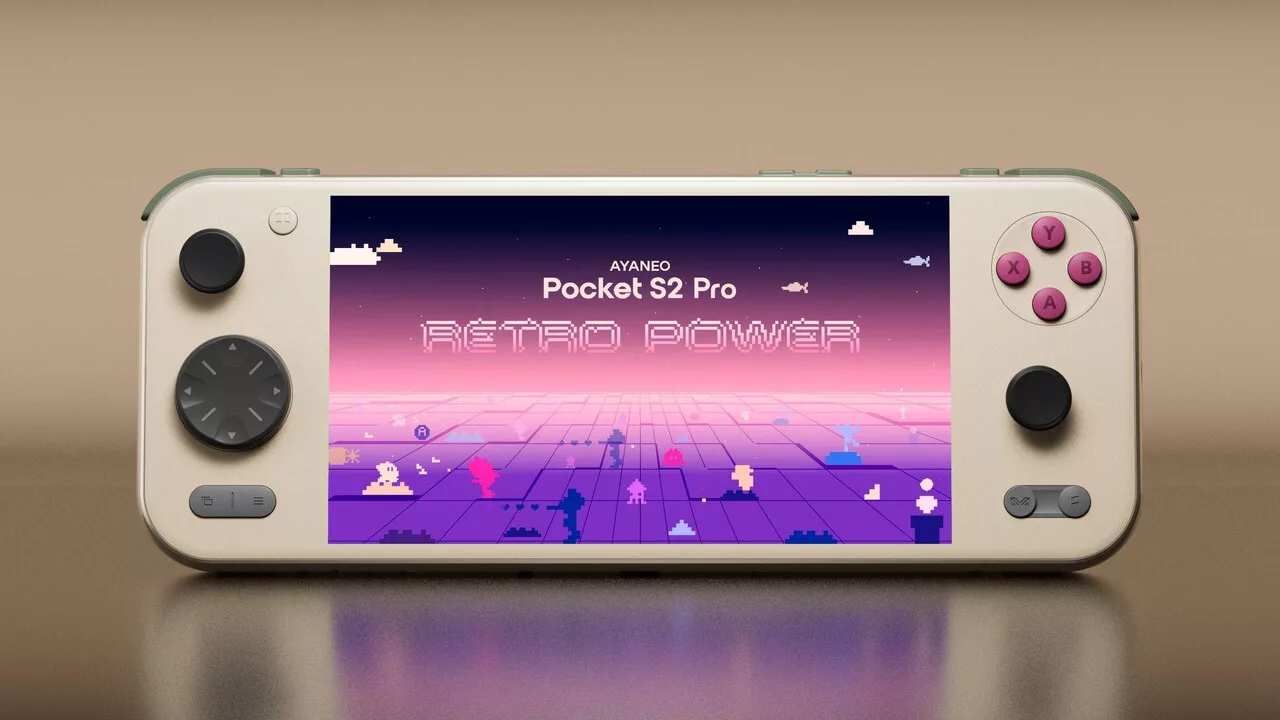
The community project SteamOS Arm for Handhelds has released version 1.2, expanding the reach of Valve's Arm-based SteamOS. The update introduces support for new Ayaneo handhelds, native Arm64 Frame Generation via LSFG 2.0, and a streamlined update system.
New Name and Hardware Expansion
Formerly known as SteamOS-Arm-SM8650, the project has rebranded to SteamOS Arm for Handhelds to reflect its broader hardware goals. Version 1.2 expands compatibility to include the Ayaneo Pocket S2 and Pocket S2 Pro. However, developer hashtagbasit noted that support for these specific models is in an early stage and relies on community feedback, as the developer does not personally own a Pocket S2.
Technical Highlights: LSFG and Play Store
A major technical addition is the integration of Lossless Scaling Frame Generation based on LSFG 2.0. Native Arm64 games can now utilize an Arm64 output (via lsfg-vk 2.0 by PancakeTAS), while games running through the FEX compatibility layer will continue to use the x86 version. Users must still own Lossless Scaling on Steam to use this feature.
The update also fixes a bug in the Google Play Store integration that previously prevented users from signing into the App Market. This allows for seamless installation of Android applications without needing to switch to Desktop Mode.
Simplified Installation and Updates
To make system deployment easier, the Easy UFS Installer has been introduced. This tool allows users to install SteamOS on internal storage while preserving the existing Android partition. Users can switch between operating systems via the ABL boot menu. For safety, the installer backs up the partition table to an SD card, allowing for a restoration of the original configuration.
Version 1.2 also introduces the SteamOS Update application, enabling in-system updates that preserve games, save data, accounts, and Wi-Fi settings. While this simplifies future maintenance, users upgrading from version 1.1 to 1.2 must still perform a full re-flash to access the new updater.
System Refinements and Performance
Several quality-of-life improvements were implemented, including fixing controller issues where right stick movement incorrectly triggered the triggers, and resolving a bug where the controller service consumed an entire CPU core. Additionally, the refresh rate has been increased to 144 Hz for smoother touchscreen interaction, and the transition to Desktop Mode has been optimized to take approximately three seconds.
Гика
