SteamOS 3.10.1: Valve Fixes Forza Issues and Expands AMD and NVIDIA Support
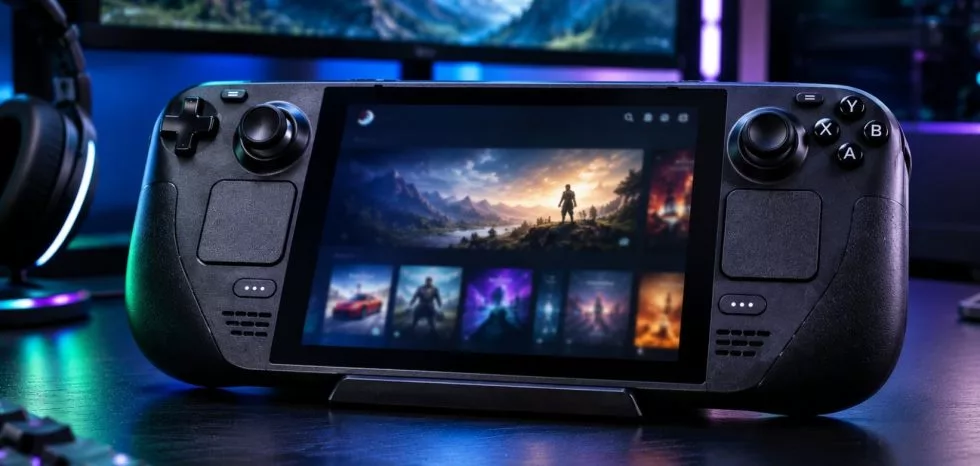
Valve has released SteamOS 3.10.1, a rapid follow-up to the 3.10.0 preview release. While the update primarily focuses on fixing critical regressions—such as games failing to launch and display signal errors—the broader 3.10 series marks a significant step in expanding SteamOS's capabilities beyond the Steam Deck, bringing advanced graphics features to a wider range of hardware configurations.
The speed of this release highlights Valve's reactive approach to the preview channel. Just three days after the 3.10.0 preview arrived on November 13, 2026, version 3.10.1 was deployed on November 16 to address specific bugs. Among the most notable fixes is the resolution of launch issues for certain titles, specifically the Forza Horizon series, and a fix for display errors where monitors reported an invalid input signal despite the system attempting to output an image.
While these fixes are essential for a functional gaming experience, the technical highlights of the 3.10 update cycle lie in its expanded driver-level support. For AMD users, Valve has introduced support for several HDMI 2.1 features, including Variable Refresh Rate (VRR), Fixed Rate Link (FRL), and Auto Low Latency Mode (ALLM). These additions are particularly relevant for users connecting SteamOS systems to modern high-resolution televisions or high-refresh-rate monitors, where features like ALLM can automatically trigger low-latency modes on compatible displays.
It is important to note that HDMI 2.1 support is not a blanket guarantee for all Radeon cards; actual functionality depends on the specific GPU, the physical HDMI output, the cable, and the display's capabilities. Furthermore, Valve has not released independent benchmarks to quantify the stability or performance gains provided by these new HDMI modes.
NVIDIA users see a significant architectural update with the introduction of Mesh Shader support for Turing-generation GPUs and newer. Mesh Shaders allow for more flexible geometry processing by handling complex tasks within specific shader stages, rather than relying solely on the traditional vertex and geometry pipeline. While this can optimize scenes with high geometric complexity, actual performance gains in games depend heavily on the specific rendering techniques used by the game engine and the API support.
Beyond hardware support, the update includes several refinements to the SteamOS gaming experience. This includes improved frame timing when using VRR with a frame rate limit, and adjustments to mouse cursor behavior under VRR to prevent unnecessary high-frequency display refreshes when the frame rate is above 30 FPS. Valve also addressed specific visual bugs in titles like Shadow of the Tomb Raider, The Surge 2, UBOAT, and The Fruit of Grisaia, as well as HDR overexposure issues in Control.
Under the Hood: Kernel and Desktop Updates
On the system level, SteamOS has transitioned to Linux Kernel 7.3 and updated its Arch Linux base. The Desktop Mode has also seen an upgrade from KDE Plasma 6.7.3 to Plasma 6.8.2, bringing the latest stability and feature improvements from the KDE community to users who utilize their SteamOS devices for general computing tasks.
The 3.10.1 update focuses on resolving several specific user experience issues. Valve has addressed launch problems for certain titles, such as Forza Horizon, and fixed invalid display signals that caused connectivity issues. Additionally, the update fixes a false warning regarding slow chargers and resolves Bluetooth audio disconnections that occurred when switching between Desktop and Gaming modes. For ASUS ROG Ally X users, Valve has added support for HDR and screen brightness adjustments.
Key Changes and Version History
- SteamOS 3.10.1: Fixes for game launch issues (e.g., Forza Horizon) and invalid display signals.
- SteamOS 3.10.0: Added HDMI 2.1 support with VRR, FRL, and ALLM for AMD graphics; Mesh Shader support (Turing and newer) and various graphical bug fixes for NVIDIA; improved VRR, Frame-Timing, and Vulkan Present-Timing in Gaming Mode; updated KDE Plasma 6.8.2 and Arch Linux base; Linux Kernel 7.3 update.
Availability and Stability Warnings
Currently, SteamOS 3.10.1 is only available through the Preview channel, which can be selected via system settings on the Steam Deck. Valve explicitly warns that preview versions may contain unexpected bugs or stability issues. Users who rely on their device for daily use should weigh the benefits of new features against the risk of instability. This is particularly relevant for the HDMI and VRR changes, as hardware behavior can vary significantly between different setups. For instance, while SteamOS 3.10.0 noted a known issue where the Dell G3223Q monitor might remain black, the 3.10.1 release notes do not explicitly confirm a fix for this specific device.
Valve has not yet announced a release date for a stable version of SteamOS 3.10, nor has a specific timeline been provided for the rollout of these features across all supported devices.
Editorial Perspective
The direction Valve is taking with SteamOS is promising. The inclusion of advanced HDMI 2.1 features for AMD graphics and expanded capabilities for NVIDIA hardware makes the OS increasingly versatile for diverse gaming configurations. Improvements to VRR and Frame-Timing are arguably more critical than new graphical features, as consistent frame delivery is immediately noticeable during gameplay. However, the rapid deployment of bug fixes in 3.10.1 serves as a reminder of why preview builds should not be installed on primary gaming systems without caution. Until stable versions are released and performance/compatibility can be verified through extensive testing, the current stable branch remains the safer choice for most users.