
ZED ZONE: Workaround for Room Code Display Bug
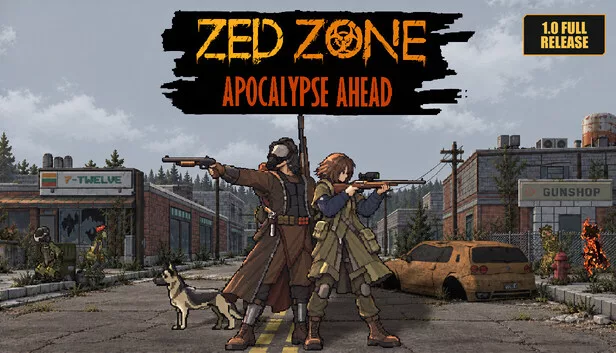
Players of the survival sandbox ZED ZONE have reported an issue where they are unable to enter room codes to join sessions. According to an official update from the developers, this is not a functional failure but a visual bug within the game client.
The issue manifests as a display error: while the 6-digit room code is successfully registered by the system, the numbers fail to appear in the input field. This visual glitch can lead players to believe the input is not working, preventing them from joining their intended sessions.
Temporary Workaround
Until a permanent fix is implemented, the developers suggest the following steps to bypass the bug:
- Enter the 6-digit room code into the field as usual.
- Simply tap the 'Join' button (the numbers will remain invisible, but the input is active).
- If the room is password-protected, enter the password in the password field first, then tap 'Join'.
A permanent solution is expected in the upcoming patch 1.0.8, which is scheduled for release shortly. ZED ZONE, a post-apocalyptic survival game featuring voxel building and co-op gameplay, continues to receive updates to address various technical issues, including recent fixes for co-op progress and item loss.
Флешка
