
Steam Deck Beta Client Update: Why Resolution Settings Matter for Handheld PCs
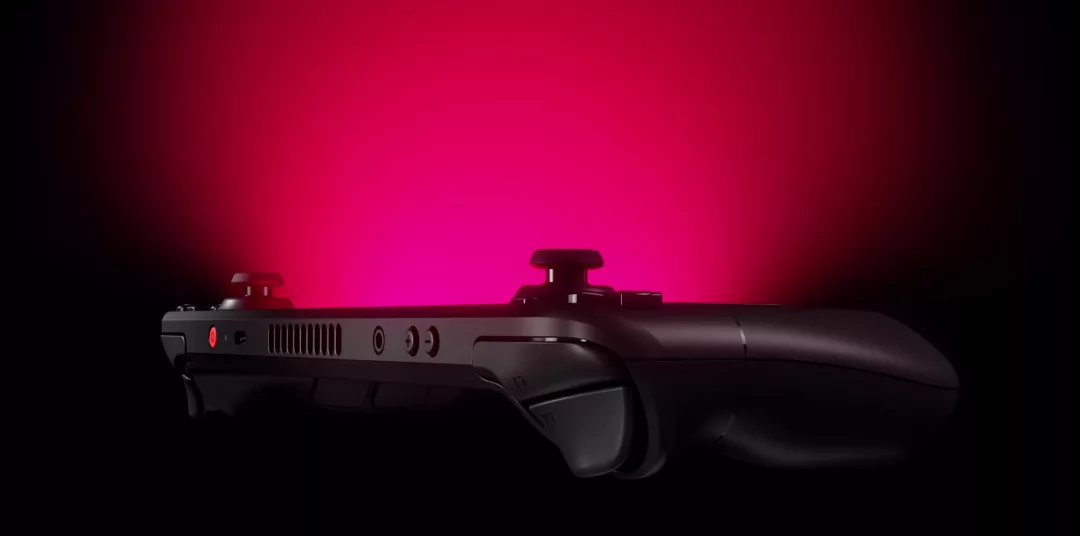
On handheld PCs, image quality is often hurt less by hardware and more by the wrong resolution cap.
One wrong resolution cap can hurt image quality more than a weak GPU.
Valve shipped the Steam Deck Beta Client Update dated June 27 to the Preview/Beta channel, and by June 29 it matters for both Steam Deck owners and third-party handheld PC users. The update changes Maximum Game Resolution behavior and adds a clearer note when a game runs below the display's native resolution.
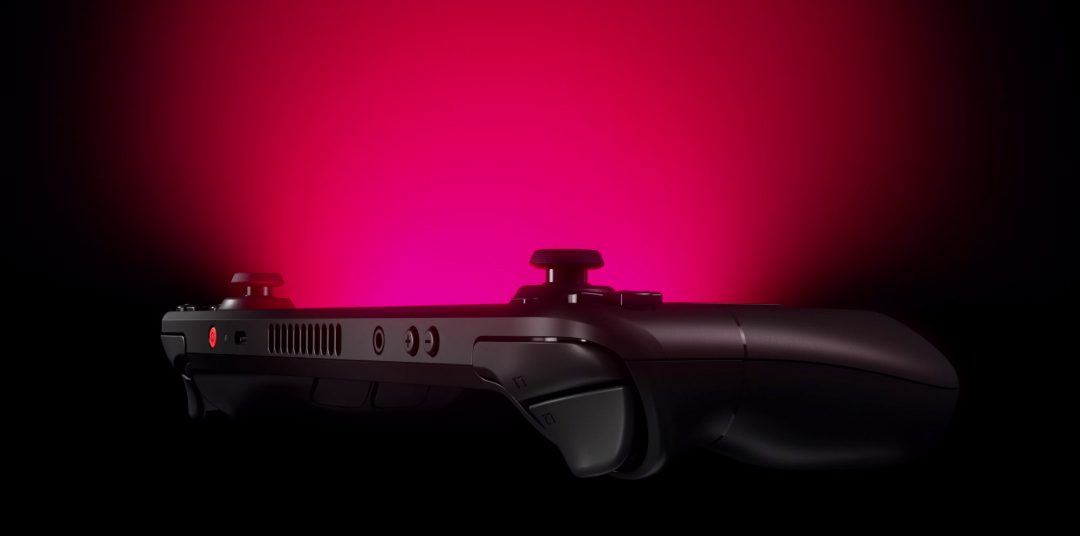
Why Maximum Game Resolution Matters
On a handheld, resolution is a balance between clarity, battery life and stable frame pacing. If a user accidentally caps the maximum too low, a game can look worse than expected. The launch progress screen now explains when the selected limit causes the game to run below native resolution.
Moving the setting from Display -> Advanced to Display also matters: this is a practical option that should be closer to everyday users.
Why It Is Not Just Steam Deck
Valve also mentioned generating Maximum Game Resolution options based on the current display aspect ratio. That is especially relevant for third-party handhelds with non-standard panels.
In the same beta update cycle, Valve fixed incorrect popups on Display and Game Properties pages for some third-party handheld devices. SteamOS is clearly being treated as a wider ecosystem.
Practical Takeaway
If you use Steam Deck or a compatible handheld PC, do not blindly copy presets. Check launch resolution, Maximum Game Resolution, scaling and performance profile. One wrong cap can hurt image quality more than weak hardware.
Редакция MBG
