Phantom Blade Zero Patch Notes: Combat Assists, Performance Fixes, and Major Bug Squashing
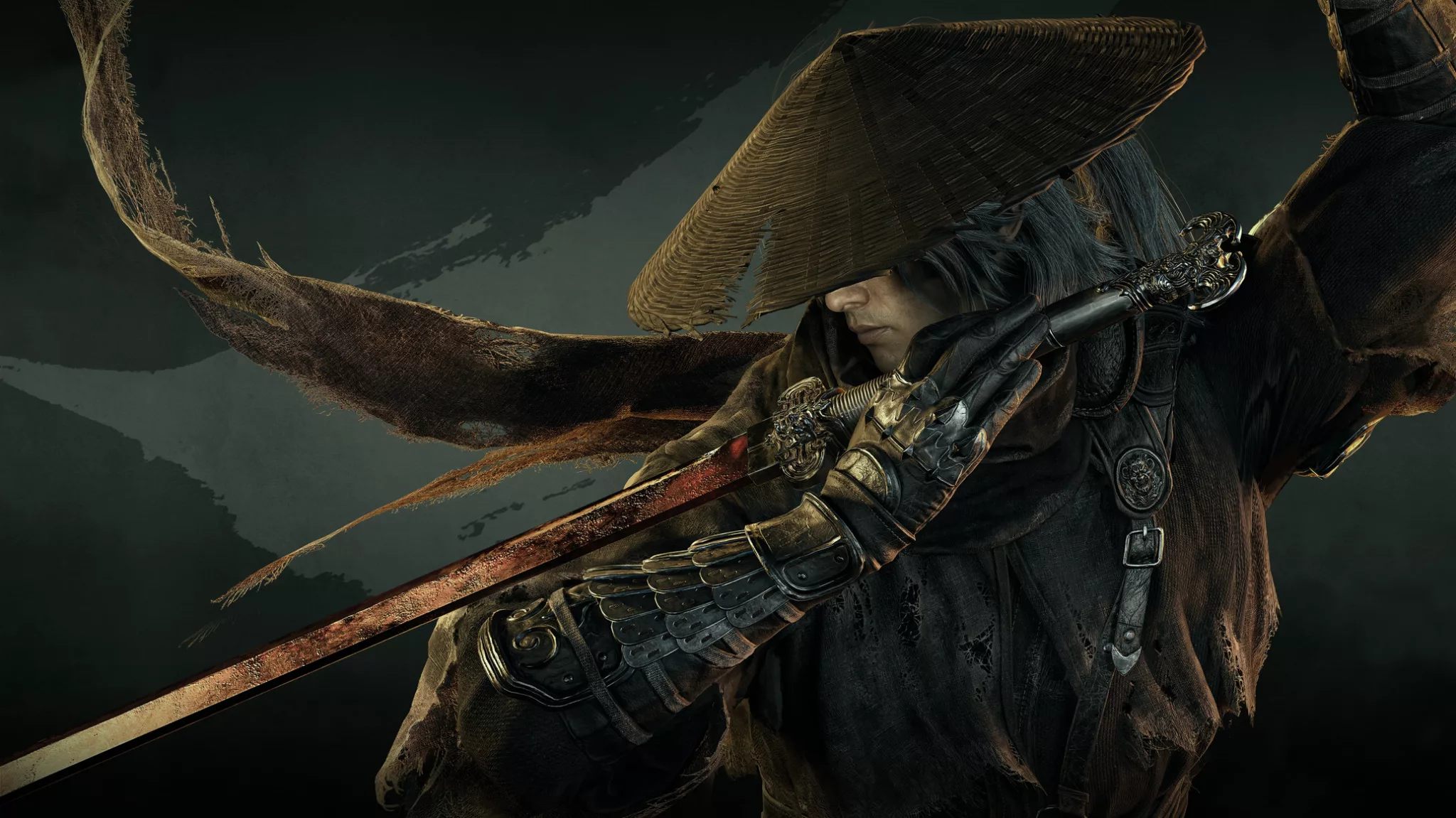
S-GAME has rolled out a significant update for Phantom Blade Zero (Version 1.0304629), focusing on refining the combat experience and smoothing out technical hurdles. The 7 GB patch introduces new accessibility options for camera control and combat assistance, alongside substantial performance optimizations for memory usage and visual stability. Beyond the quality-of-life improvements, the update addresses several critical bugs affecting combat mechanics, item drops, and quest progression.
For PC players, the update brings more granular control over the action. A new 'Combat Assist' section has been added to the Settings, featuring an 'Automatic Strong Camera Assist' option. When disabled, the camera only provides significant adjustments while attacking an enemy; otherwise, it maintains only minor adjustments. Additionally, players can now adjust 'Mouse Lock-On Target Switching Sensitivity,' allowing for precise control over how the camera shifts targets when using a mouse while locked on. This sensitivity can be set to zero to completely disable mouse-based target switching.
Performance and Visual Improvements
The developers have prioritized optimization, specifically targeting video and system memory usage. The most noticeable improvements are reported in cutscenes and snowy environments. The patch also aims to reduce stuttering caused by certain visual effects and improves overall performance during intense boss fights. On the visual front, the team fixed several issues, including stretched character limbs (sleeves and fingers) when viewed from a distance, flickering in certain areas, and light leaks.
Combat and Gameplay Adjustments
Several combat mechanics have been tuned to ensure balance and consistency. Notable changes include:
Bug Fixes and Progression
The update addresses several game-breaking issues that could hinder player progress. This includes fixes for scenarios where players could get stuck after interacting with bells or chests after defeating bosses, and issues in the 'Bloodline Awakening' mode. Additionally, the developers fixed a bug where certain books could prevent players from reaching 100% item collection; players who encountered this will have their missing items restored automatically upon loading the game after the update.
Other notable fixes include:
Important Note for Mod Users
Because this is a large 7 GB update, S-GAME recommends that players with third-party mods installed remove them before updating. Incompatible mods may cause the download size to appear much larger than expected or lead to game crashes. If issues persist after the update, players are advised to clear their shader cache by deleting the files in the 'PBZ\ProjectPBZ\Saved\Cache' folder within the game's local files.