
Minecraft 26.2 Pre-Release 4: how to install it and what to test first
If you want to test 26.2 Pre-Release 4 safely, Mojang already provides a short and clear setup path.
The official Minecraft help article for Java snapshots says to use the Minecraft Launcher: open Minecraft: Java Edition, go to the Installations tab, and select Latest Snapshot. Older test builds can be installed through a separate manual installation.
The most important rule
Mojang explicitly warns that testing builds can corrupt your world. That makes a fresh test world or a backup of your main save the safest starting point for 26.2 Pre-Release 4.
What to test in this specific build
- High-particle scenes and geyser-heavy situations.
- Sulfur Cube knockback behavior at different enchantment levels.
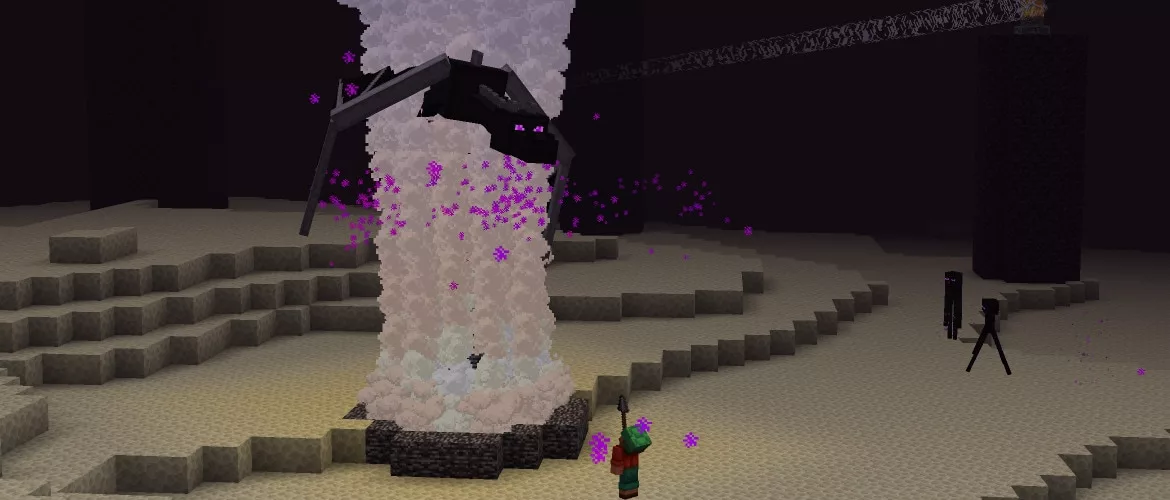
- Ender Dragon interaction with Potent Sulfur geysers.
- The restored Open to LAN screen and its per-player settings.
Where to report issues
Mojang points bug reports to the official Minecraft issue tracker, while general feedback belongs on Minecraft Feedback. That is the cleanest route if you want concerns about 26.2 Pre-Release 4 to land before Chaos Cubed ships on June 16.
Редакция MBG
