
Acer Googlebook 14 owners report boot loops after first system update
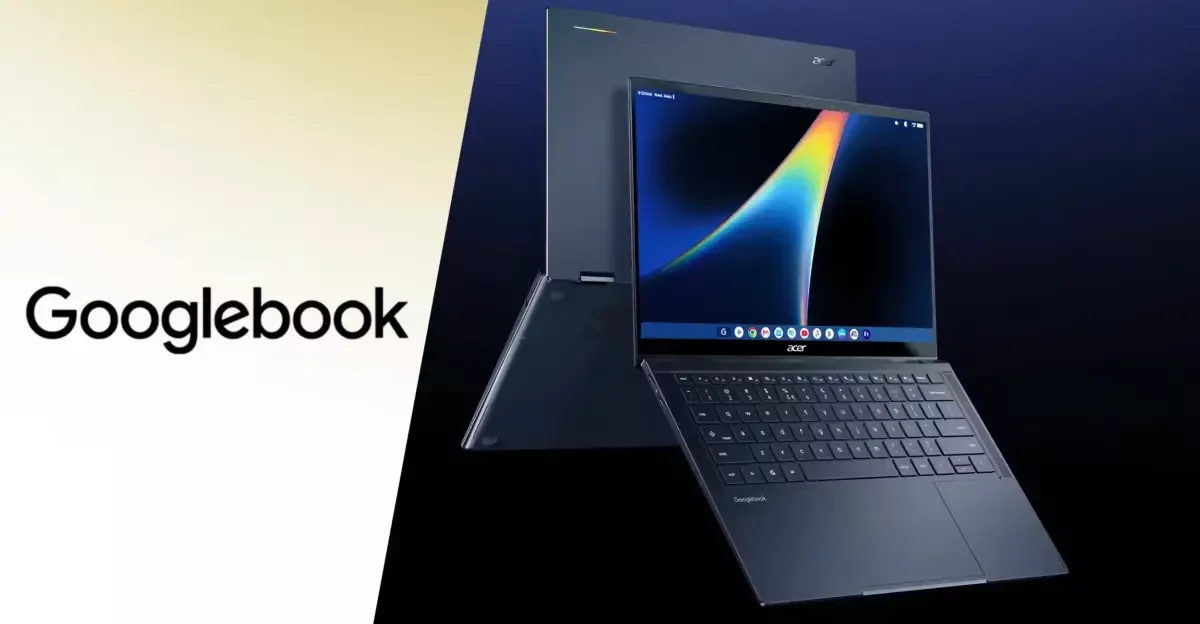
The newly released Googlebook lineup is facing its first major hurdle. Owners of the Acer model report a critical failure: after installing the initial system update, their laptops enter a continuous boot loop, rendering the devices unusable.
The Issue and Early Reports
The problem has surfaced less than a week after the devices became available. At least four users on Reddit have reported that their Acer Googlebook 14 units enter an endless reboot cycle following a system update. The process typically begins during the initial setup when the device is connected to an Android smartphone; after the update is initiated, the Acer logo appears, followed by an "Updating" message, but the installation fails to complete, triggering a restart.
Some users have also encountered difficulties with recovery options. Reports indicate that the recovery environment fails to locate the internet recovery partition, and attempts to use USB recovery media are unsuccessful as the required files cannot be found. Consequently, some customers have already returned their units to retailers like Best Buy, opting for different Googlebook models instead.
Failed Recovery Attempts
A Google employee attempted to assist affected users by suggesting a specific recovery procedure. The recommended steps involved entering recovery mode using Esc + F2 (with all USB devices disconnected), unlocking the bootloader via the advanced recovery menu, restarting, relocking the bootloader, and selecting the internal disk as the boot device.
However, these instructions have reportedly failed to resolve the issue for many. Users have noted that they are unable to find the necessary options in the menu or cannot successfully lock and unlock the bootloader. As of now, Acer has not issued a public explanation or confirmed a fix, and it remains unclear whether this issue affects other models in the Googlebook lineup, though one Acer owner reported a successful update without any errors.
Гика
